To accept multiple Tender Types
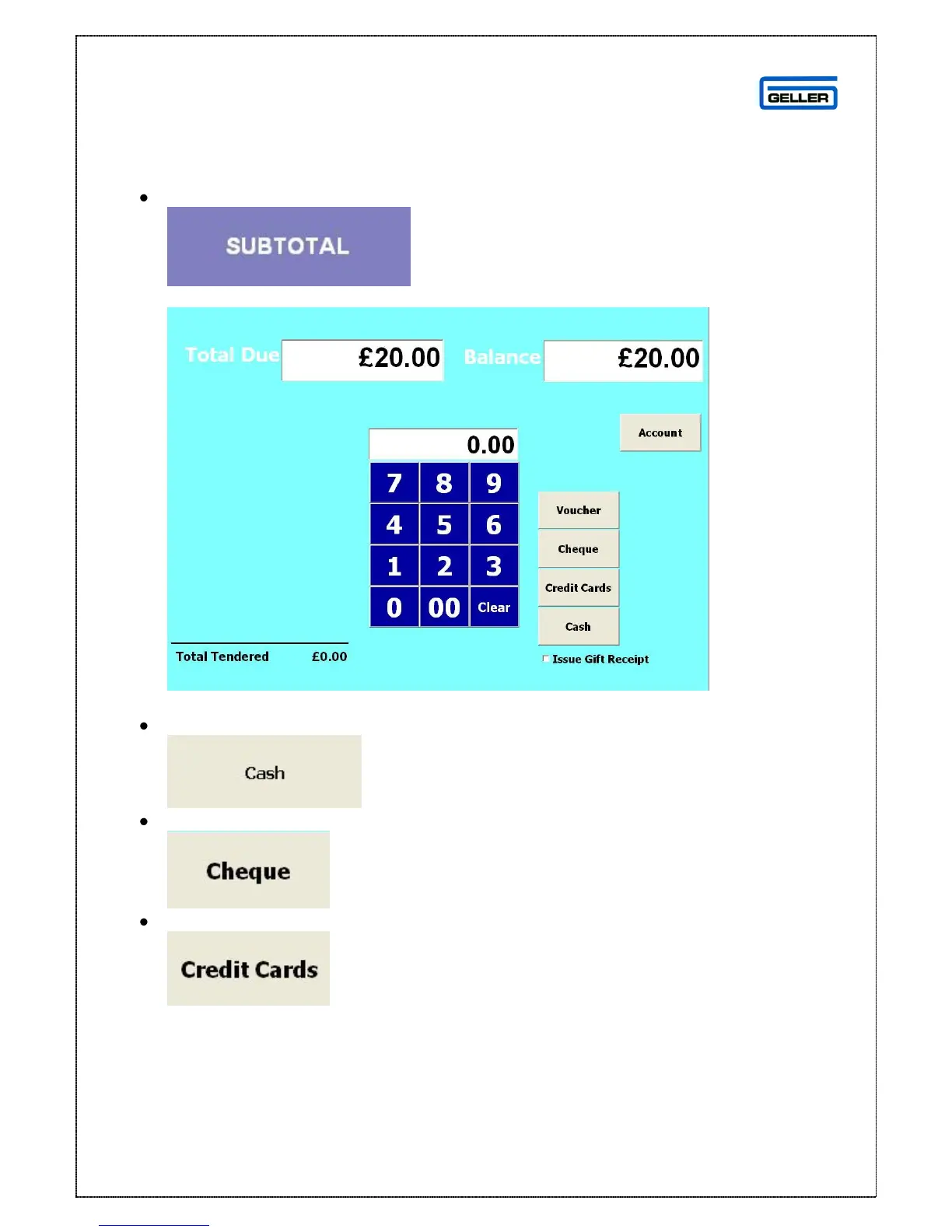
When all the items have been selected and you are ready to accept payment
Select
This will display the payments screen
Using the numeric keypad enter the amount that is being tendered e.g. 500
Select the tender type from the right hand side e.g. cash
Enter the next amount to be tendered e.g. 1000
Enter the next amount to be tendered e.g. 500



 To Next Page