Select the Supplier from the Supplier drop down box
Enter the supplier ref if required (this may be the delivery note number)
Select the date of delivery
Add any comments in the comments box
Select the Product Listing page this will be blank
Select
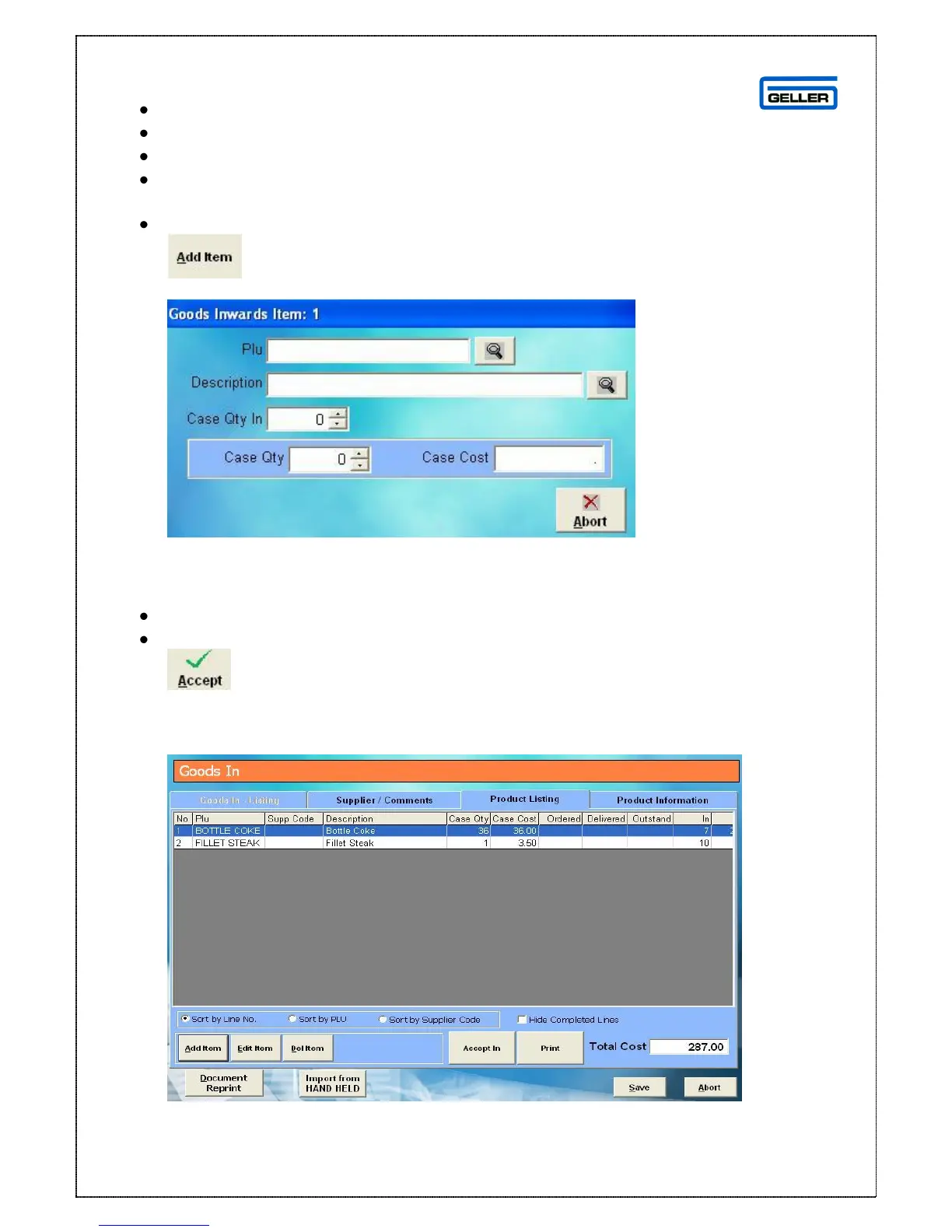
The following search box is displayed
Use the PLU or Description field to search for the product you want to add to the
delivery, once the product has been selected the Case Qty and Case Cost will be
read through from the product record
In the Case Qty In field select the number of cases delivered
Select
The product listing page is displayed with the new product on the delivery
Repeat the process until all products from the supplier have been added to the
listing page



 To Next Page