Enter the Operator name and press Enter, if the name already
exists you will be taken to the record, if not you will be asked if you wish to
create the new operator
Tick the ‘Display Button’ option if you want the operator name to appear on
the log on screen
Tick ‘Allow Reports’ if the user will be able to access POS reports
Tick ‘Allow Back Office’ if the user will be able to access Back Office
Enter a ‘Sign On Code’ to enable ‘Manual Sign On’
Enter a ‘Password’ to be used in conjunction with ‘Manual Log On’
If the operator is being assigned a
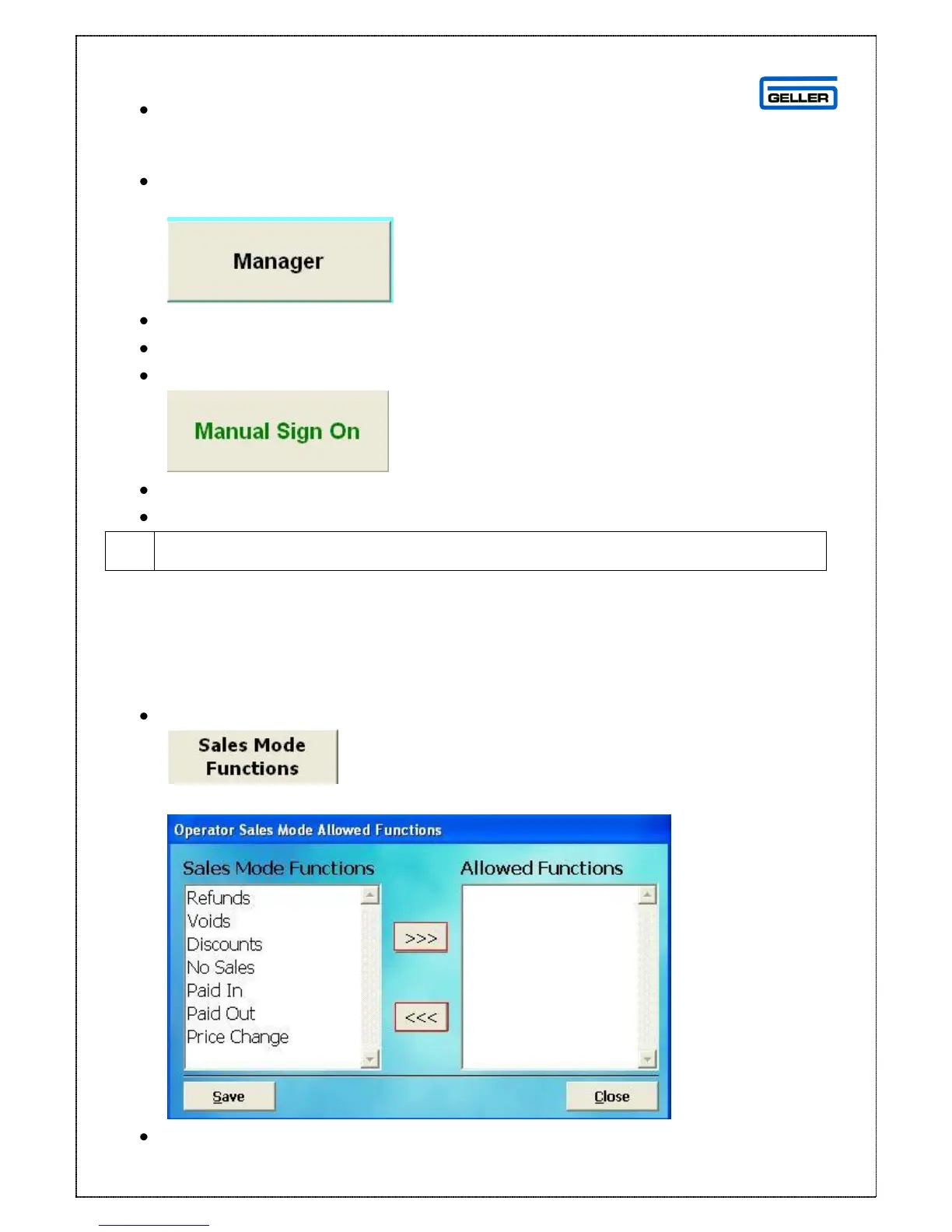
Sales Mode Functions – This is the option that gives operator permissions on the
terminal when in Sales Mode
If the Operator is to be allowed to carry out ‘Functions’ on the tills:
Select
The Allowed Functions screen is displayed
From the window on the left, select the Function to be allowed



 To Next Page