3.2.6 SNMP
Users can transfer the configurations of the device through SNMP protocol to communicate
with and/or integrate it into a central server. Note this function is NOT supported by GV-
ABL2701 series / 2703 series / 4703 / 4711, GV-ADR2701 / 2702 / 4702, GV-EBD4701 /
4712, GV-TBL2703 series / 4700 / 4703 / 4711, GV-TDR2702 / 4702 / 4703 series, GV-
TFD4700, and GV-TVD4700 / 4711.
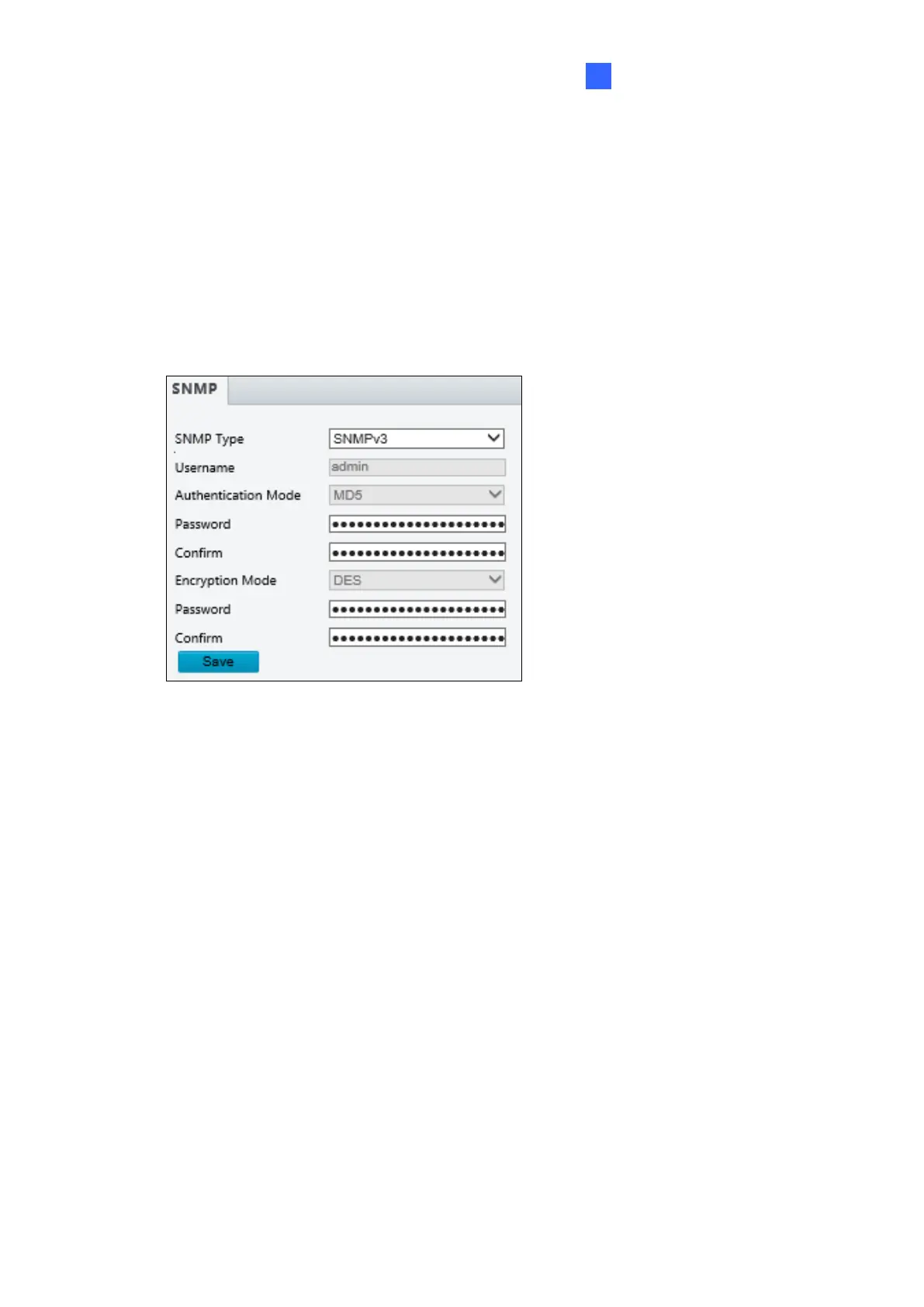
Figure 3-12
◼ SNMP Type: Select the type of SNMP desired, between SNMPv3 and SNMPv2.
◼ Authentication Mode: Define a desired password for authentication between the device
and the central server.
◼ Encryption Mode: Define a desired password for encryption that needs to be matched
by the central server.
Click Save for the changes to take effect.








 To Next Page