Power over Ethernet (PoE)
Adapter
GV-PA191 is a Power over Ethernet
(PoE) adapter designed to provide
power to the IP device through a
single Ethernet cable.
GV-POE Switch is designed to provide power along with network
connection for IP devices. GV-POE Switch is available in various models
with different numbers and types of ports.
Contact our sales representatives for the countries and areas supported.
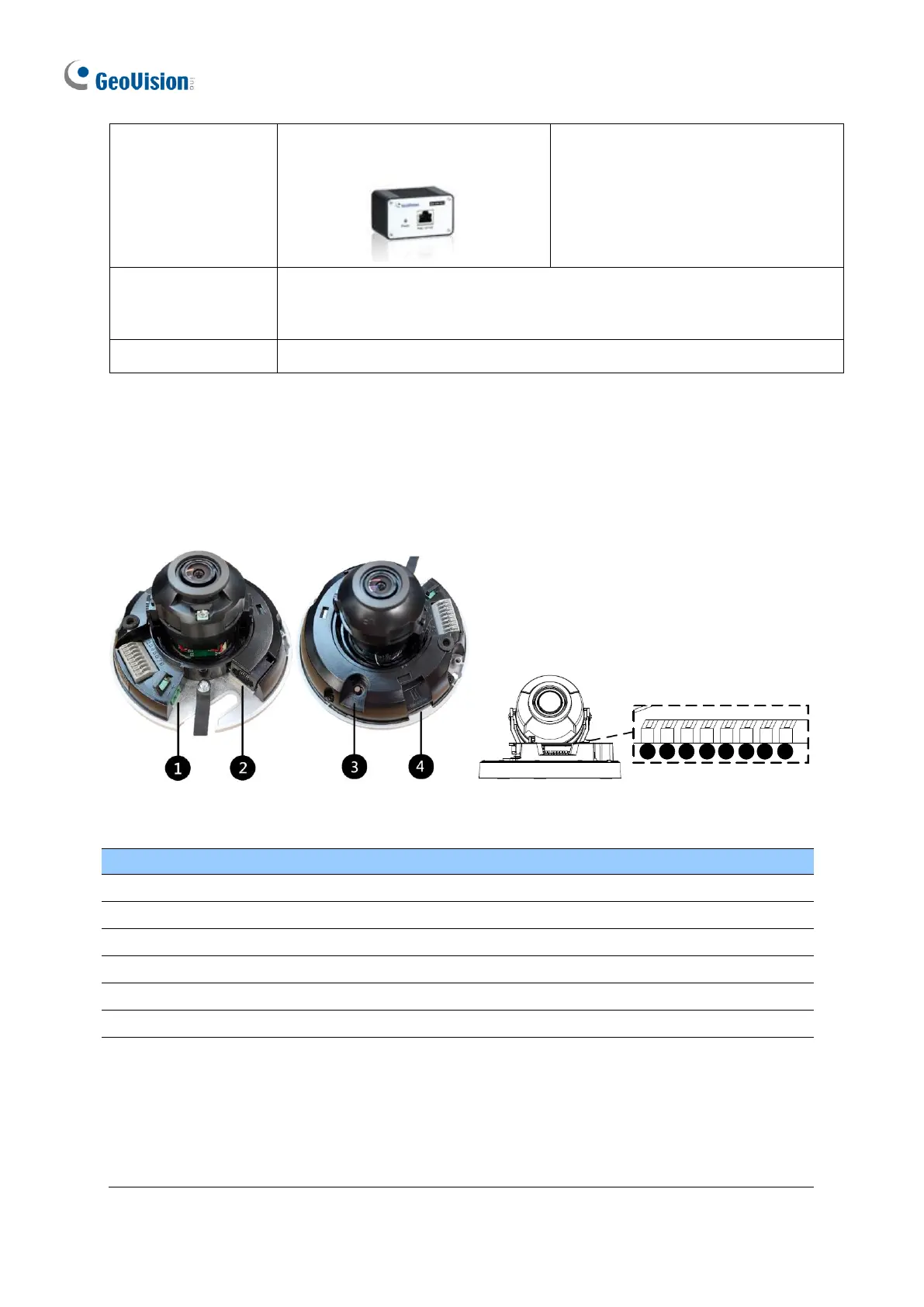
1.5.3 Overview
1.5.3.1 GV-TFD4700
Power port (2-Pin terminal block)
Note: There are two ways to supply power to the camera:
⚫ Use a Power over Ethernet (PoE) adapter to connect the camera to the network, and
the power will be provided at the same time.
⚫ Plug the power adapter to the supplied 2-pin terminal block by inserting the striped
wire to the right pin (-) and the black wire to the left pin (+), and then insert the 2-pin
terminal block to Power Connector, No. 1.








 To Next Page