138
3.4.6 Orientation
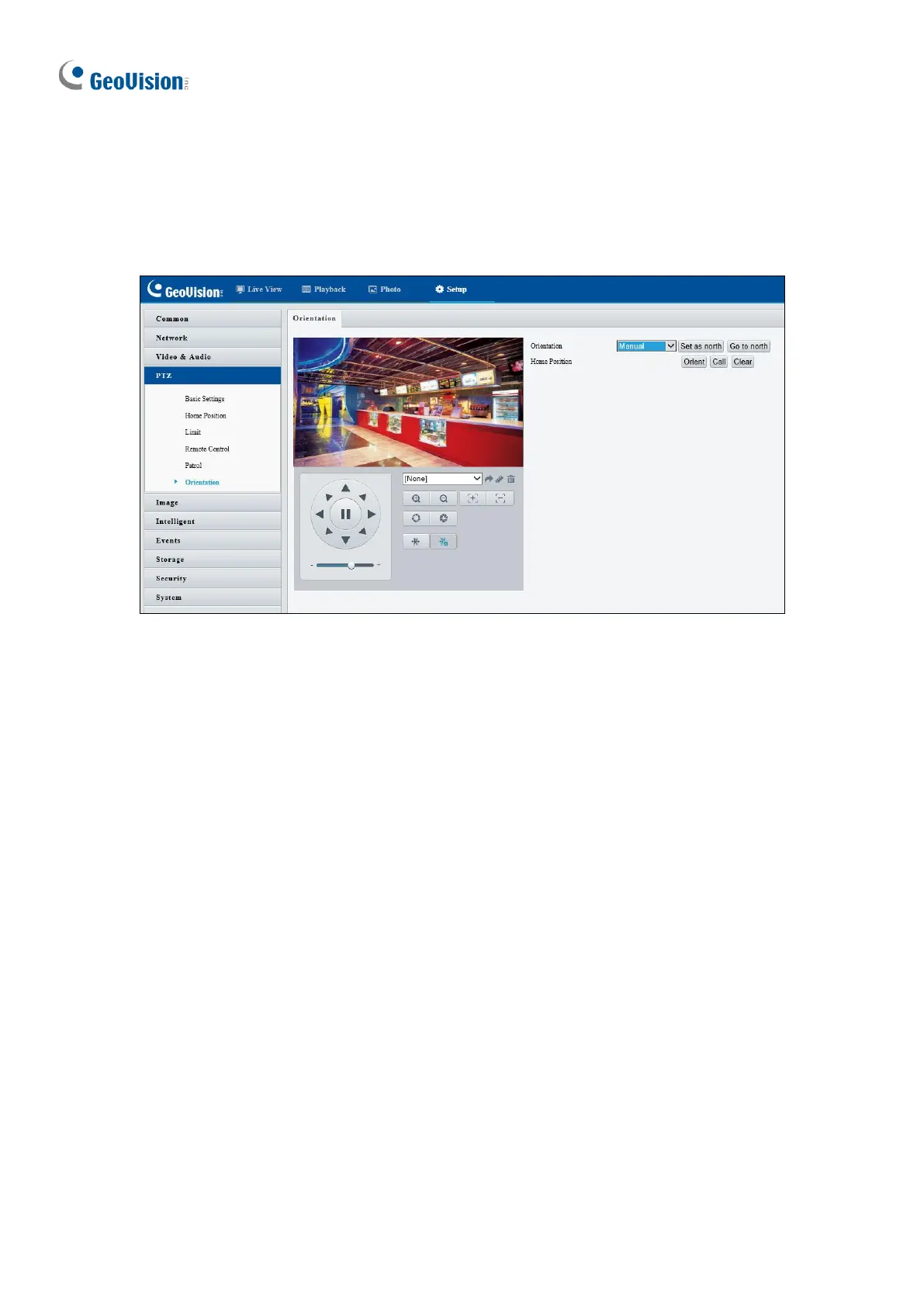
You can manually set a north direction or home position for the camera.
Figure 3-26
[Orientation]
◼ Set as north: After the camera is positioned to a specific direction, the position will be
set as the north direction.
◼ Go to north: The camera will move to the specified north direction no matter which
direction it points to.
[Home Position]
◼ Orient: Click Orient to set a position as the home position.
◼ Call: Click Call to move the camera to the specified home position no matter which
direction it points to.
◼ Clear: Click Clear to delete the home position.








 To Next Page