188
3.10.2 Server
Note this function is only applicable to GV-BLFC5800, GV-EBD4813 / 8800 / 8813, GV-
EBFC5800, GV-PTZ5810-IR, GV-TBL4810 / 8804 / 8810, GV-TDR4803 / 8805, and GV-
TVD4810 / 8810.
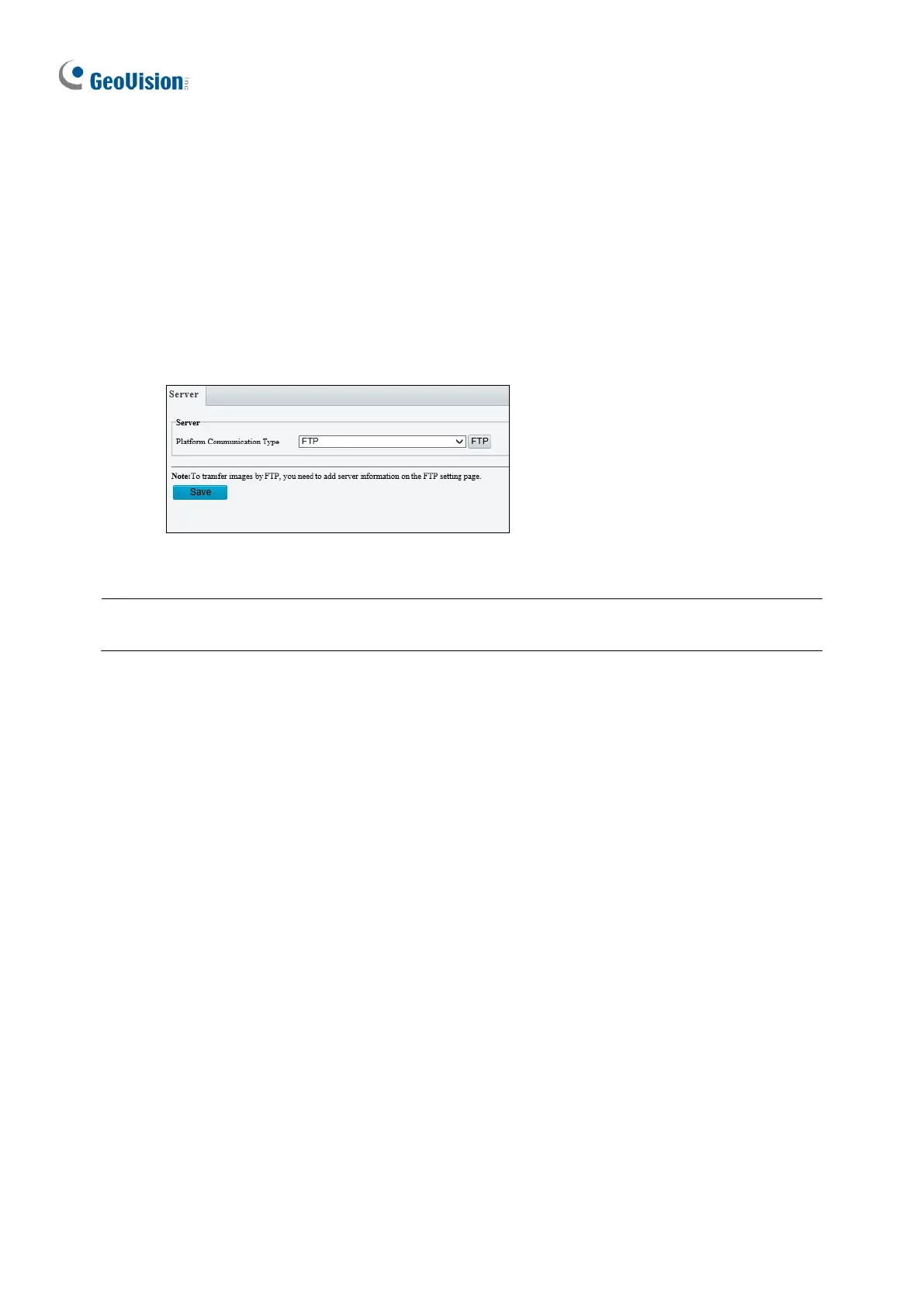
Server allows you to quickly access the FTP setting page. Click the FTP button to go to the
FTP settings page and complete the storage settings. See 3.8.2 FTP for details.
Figure 3-76
Note: You can also configure Server under Common for GV-BLFC5800, EBD4700 / 8711,
EBF5800, TBL4710 / 8804, and TDR2700 / 8805.








 To Next Page