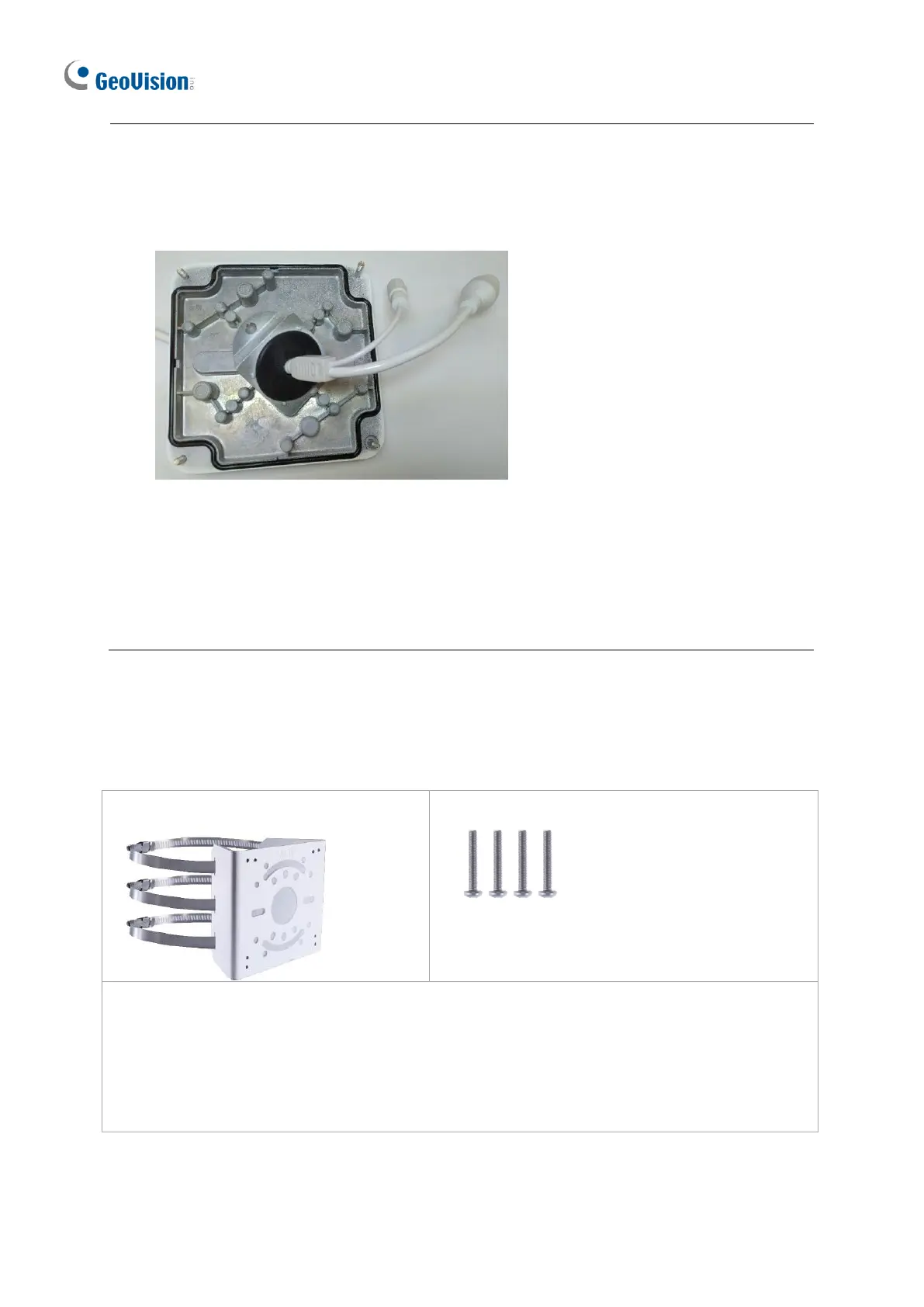
Note: Alternatively, you can use the supplied waterproof rubber plug to seal the box cover
by following the steps below.
1. Thread the camera cable through the box cover, and then through the supplied
waterproof rubber plug from the bottom side.
Figure 1-62
2. Align the gap of the waterproof rubber plug to the direction of the “up ↑” indicator and
press firmly to embed the waterproof plug onto the inside of the box cover.
3. Thread the Ethernet cable through the power box and connect to the camera. Secure
the box cover to the power box.








 To Next Page