EasyManua.ls Logo

GeoVision GV-EBD4813 - Advanced Settings

GeoVision GV-EBD4813
224 pages
Print Icon
To Next Page IconTo Next Page
To Previous Page IconTo Previous Page
Loading...
168
3.6.2 Advanced Settings
This section allows you to configure the clarity of the snapshots captured by face detection
events and choose the detection modes used for all video-analytic events.
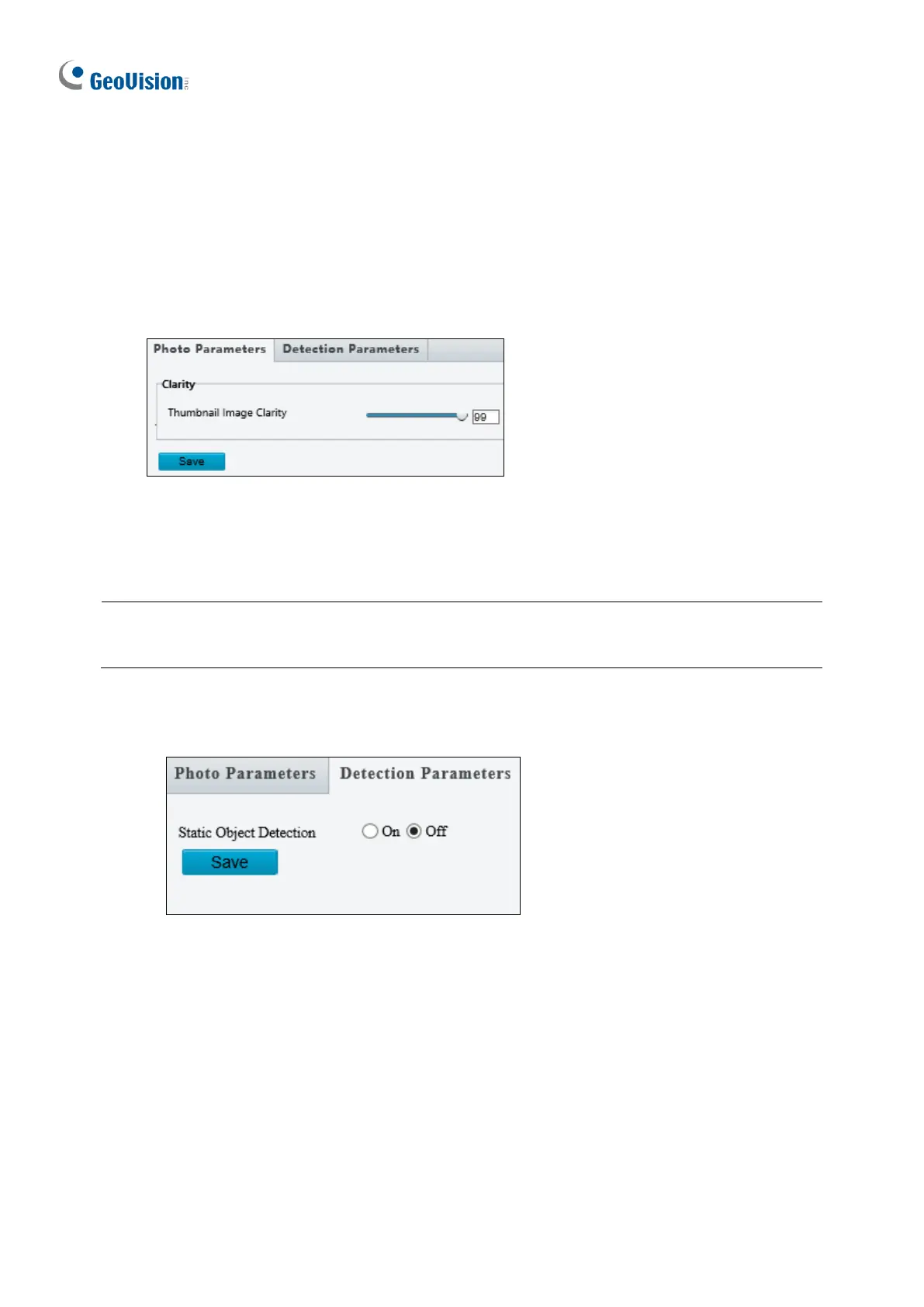
Photo Parameters
Figure 3-54
◼ Thumbnail Image Clarity: Drag the slider to adjust the clarity of the snapshots
captured by face detection events.
Note: Photo Parameters is not applicable to GV-EBD4700, GV-TBL2705 / 4705, and GV-
TDR4704.
Detection Parameters
Figure 3-55
◼ Static Object Detection: Select On for the camera to detect both static and moving
targets and Off to detect moving targets only.

Table of Contents