134
3.4 PTZ
This section allows you to configure basic PTZ settings, home position, remote control,
orientation and more on the PTZ camera. Note this is only applicable to GV-PTZ5810-IR.
3.4.1 Basic Settings
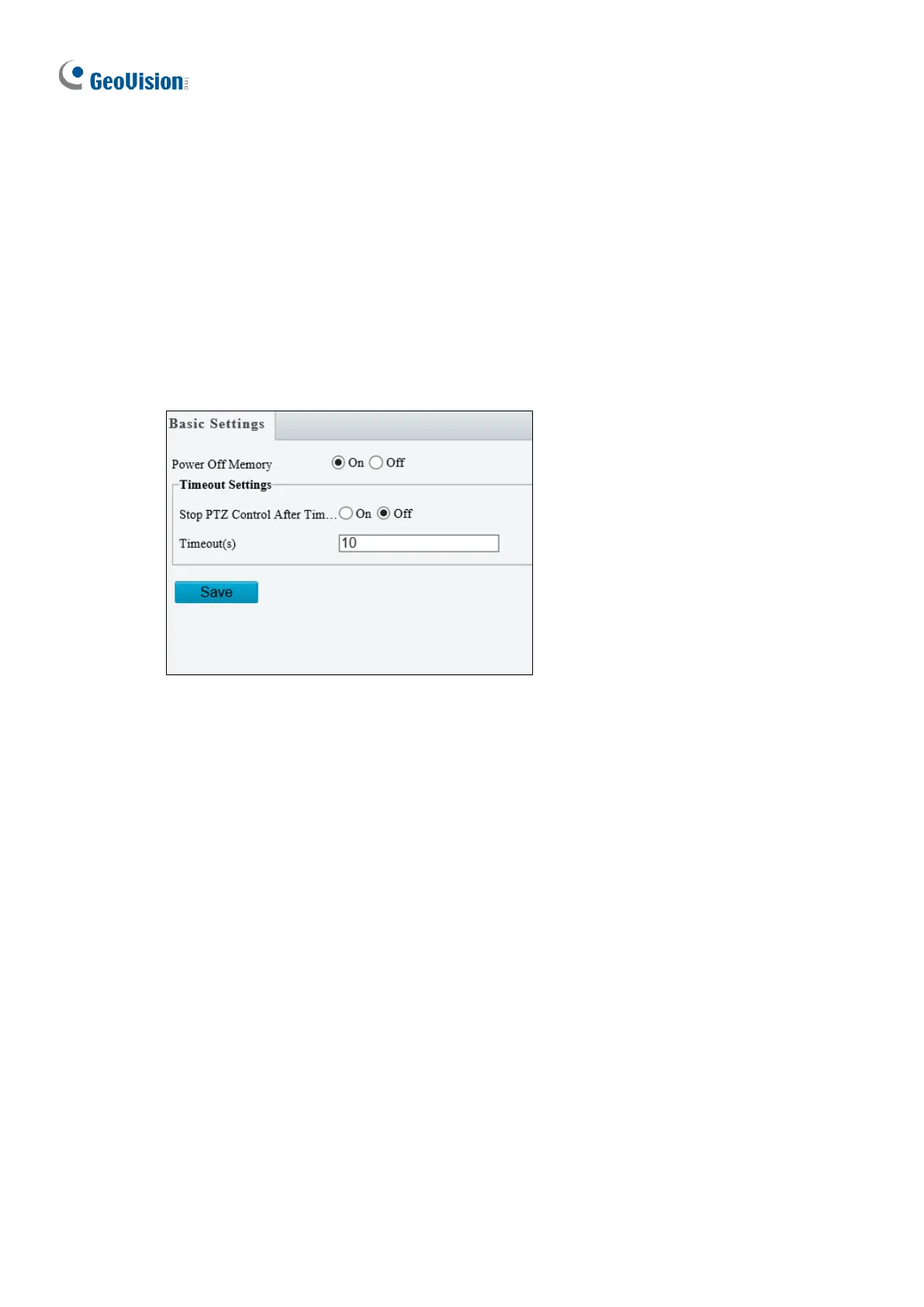
Basic settings allows you to configure basic PTZ settings related to the camera’s position
and PTZ control timeout.
Figure 3-21
[Power Off Memory] Select On to enable this function. When restarted, the camera returns
to the position before it’s powered off.
[Timeout Settings] Select On and set the timeout duration. PTZ control is disabled after the
set timeout duration.








 To Next Page