EasyManua.ls Logo

GeoVision GV-EBD4813 - GV-Mount212 P + GV-Mount107

GeoVision GV-EBD4813
224 pages
Print Icon
To Next Page IconTo Next Page
To Previous Page IconTo Previous Page
Loading...
24
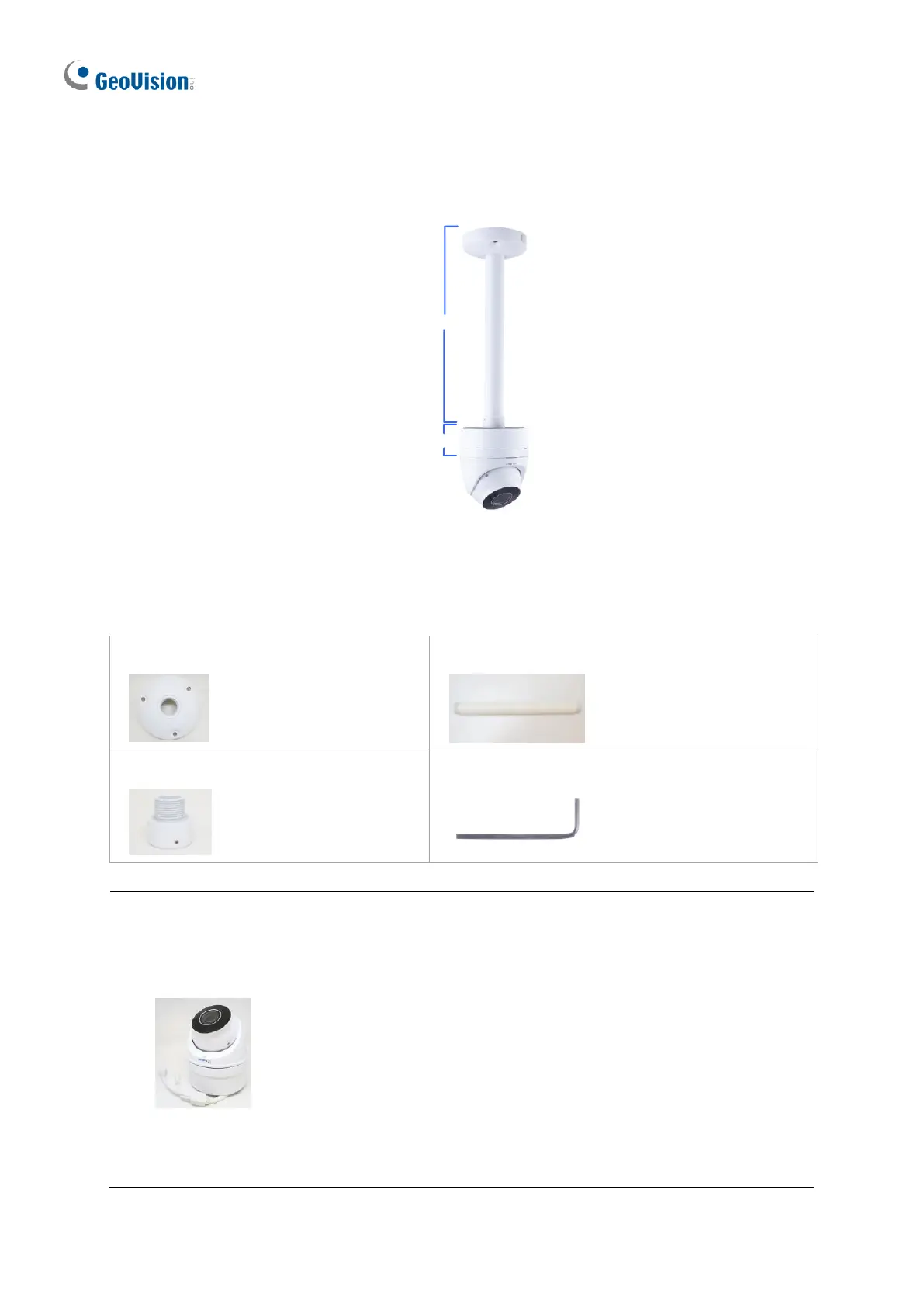
1.1.5.4 GV-Mount212P + GV-Mount107
GV- Mount107
GV-Mount212P
Figure 1-40
GV-Mount107 Packing List
Pendant Bracket
Pendant Tube
Tube Connector
Torx Wrench
Note: Before installing GV-Mount107, note the following.
Install your GV-EBD Series camera on a GV-Mount212P by cutting a hole in the
center of the mount and thread the camera wires through.
Prepare 3 long screws for securing the Pendant Bracket to the ceiling.
GV-Mount107 optionally extends with GV-Mount704.

Table of Contents

Other manuals for GeoVision GV-EBD4813

Related product manuals