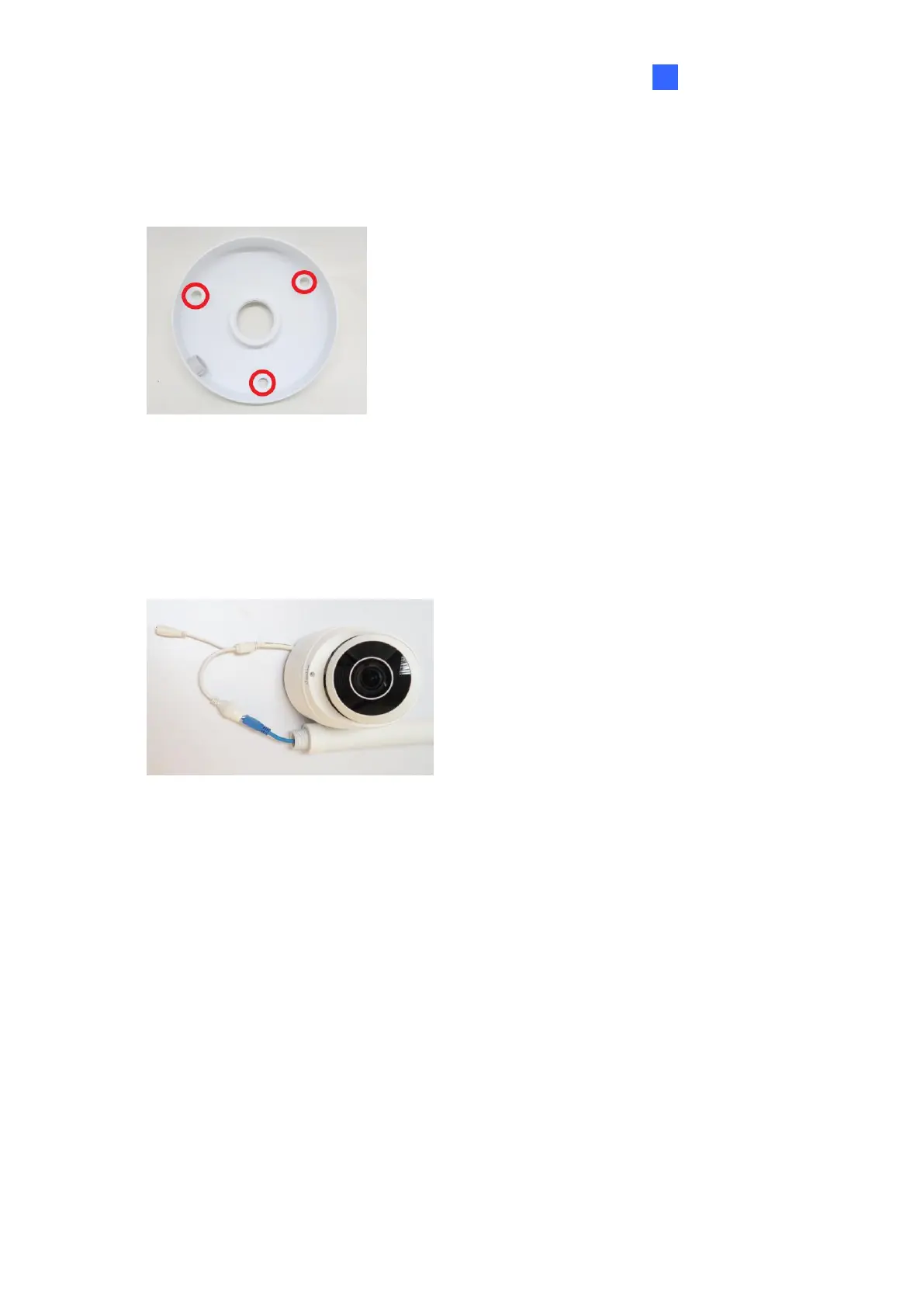
1. Place GV-Mount107 on the ceiling and mark the location for the center socket and the 3
screws.
2. Drill the marks and secure the Pendant Bracket onto the ceiling.
Figure 1-41
3. Attach one end of the Pendant Tube to the Pendant Bracket, and the other end to the
Tube Connector.
4. Thread the necessary wires from the ceiling through the Pendant Tube and connect to
the camera wires.
Figure 1-42
5. Push and arrange the connected wires inside Mount212P.
6. Secure the camera onto the Tube Connector.


 To Next Page
 Loading...





