1.5.4 Installation
The IR Mini Fixed IP Dome is designed for indoors. With the standard package, you can
install the camera on the ceiling.
Below are the instructions for Ceiling Mount. There are two kinds of Ceiling Mount:
Concealed Installation and Open Installation. In Concealed Installation, the cables are
hidden in the ceiling. In Open Installation, the cables are led out from the open slot on the
camera base.
1.5.4.1 GV-TFD4700
For Concealed Installation
1. Follow steps 1 to 3 in 1.3.4 Installation.
2. Insert a micro SD card.
3. Connect the Ethernet cable, I/O wires, and power terminal block to the camera through
the opening on the camera base, and secure the camera to the ceiling.
Tip: When connecting the I/O wires to the camera, thread the I/O wires through the
protruded loop as shown in Figure 1-90.
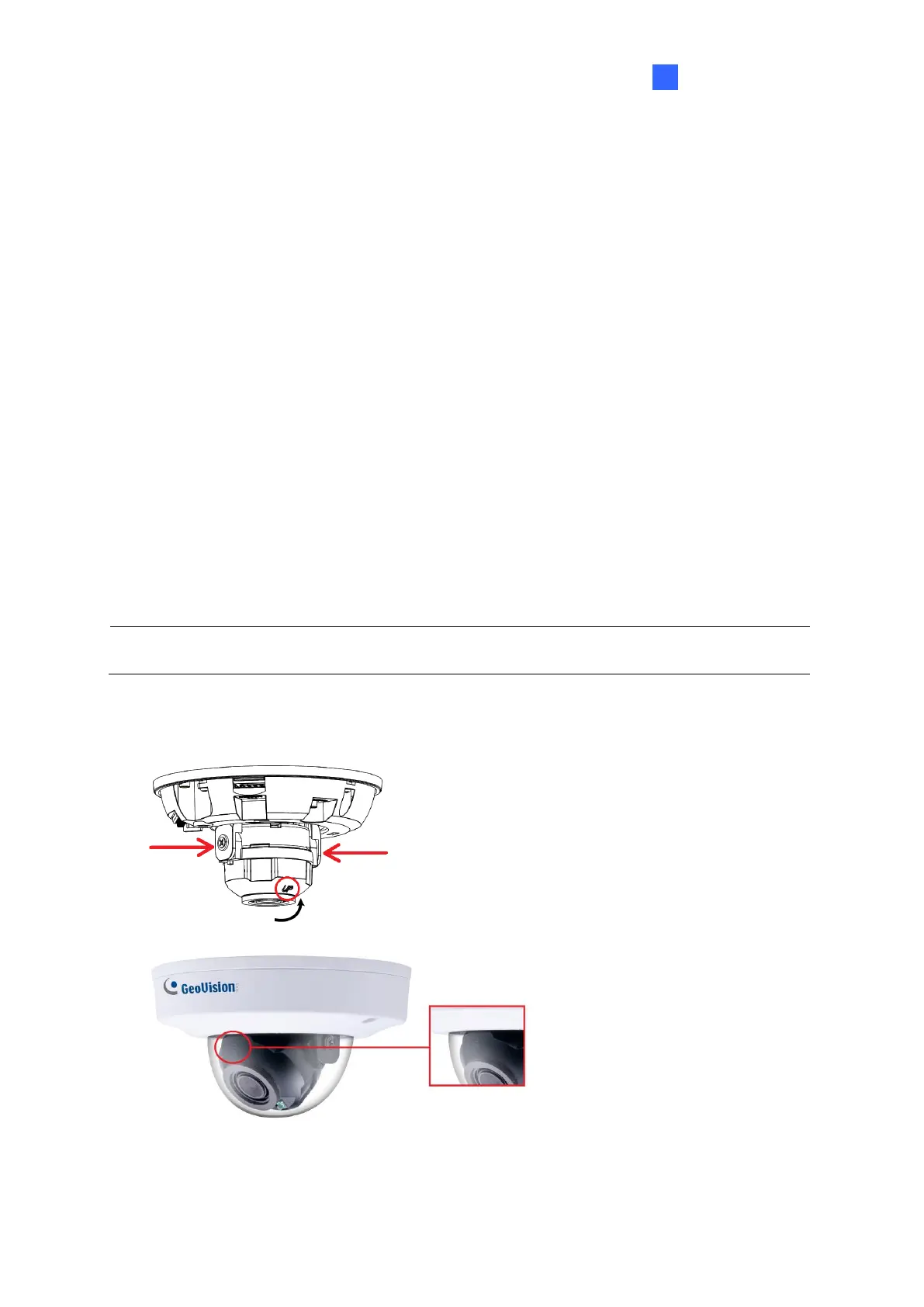
4. Loosen the fastening screws and rotate the lens vertically toward the camera base on
the side with the “UP” indicator.
Figure 1-105
Figure 1-106








 To Next Page