EasyManua.ls Logo

GF CMD - Input of Numerical Values

GF CMD
87 pages
Print Icon
To Next Page IconTo Next Page
To Previous Page IconTo Previous Page
Loading...
12
User manual
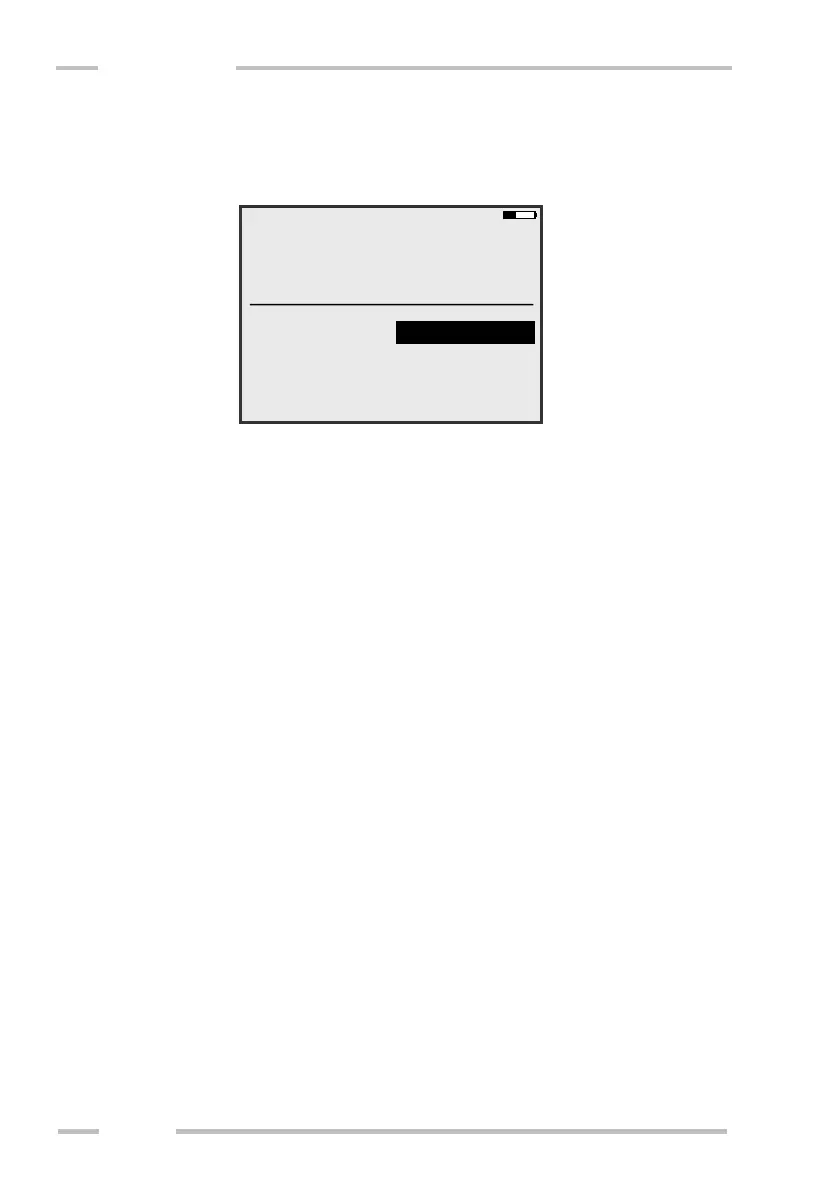
Input of Numerical Values
Numerical values can be entered using keys “0“ to 9“ and
“Minus/Decimal point“ key. If you want to insert minus sign, hold the F-key and
press the “Minus/Decimal point key. If you press “Minus/Decimal point” key
without the use of the F-key, decimal point will be inserted.

File:
Locality:
Note:
Pruzkum 12
Brno
2.0 s
<1 %
F-Ground, Hi
Depth/Cal:
Meas. time:
Meas. error:
C U

Table of Contents

Related product manuals