Continuous measurement
Continuous measurement is based on the movement with quasi-constant
speed along the measured line. The CMD instrument measures and records data
continuously. A grid of length marks serves for determination of exact positions on
the measured locality. The operator presses the button on the probe when the
position of a length mark is reached. The positions of readings between the length
marks are interpolated during the data download. Thus a dense reading along lines
with good positioning and accuracy can be quickly reached without current use of
a measuring tape.
Start of measurement
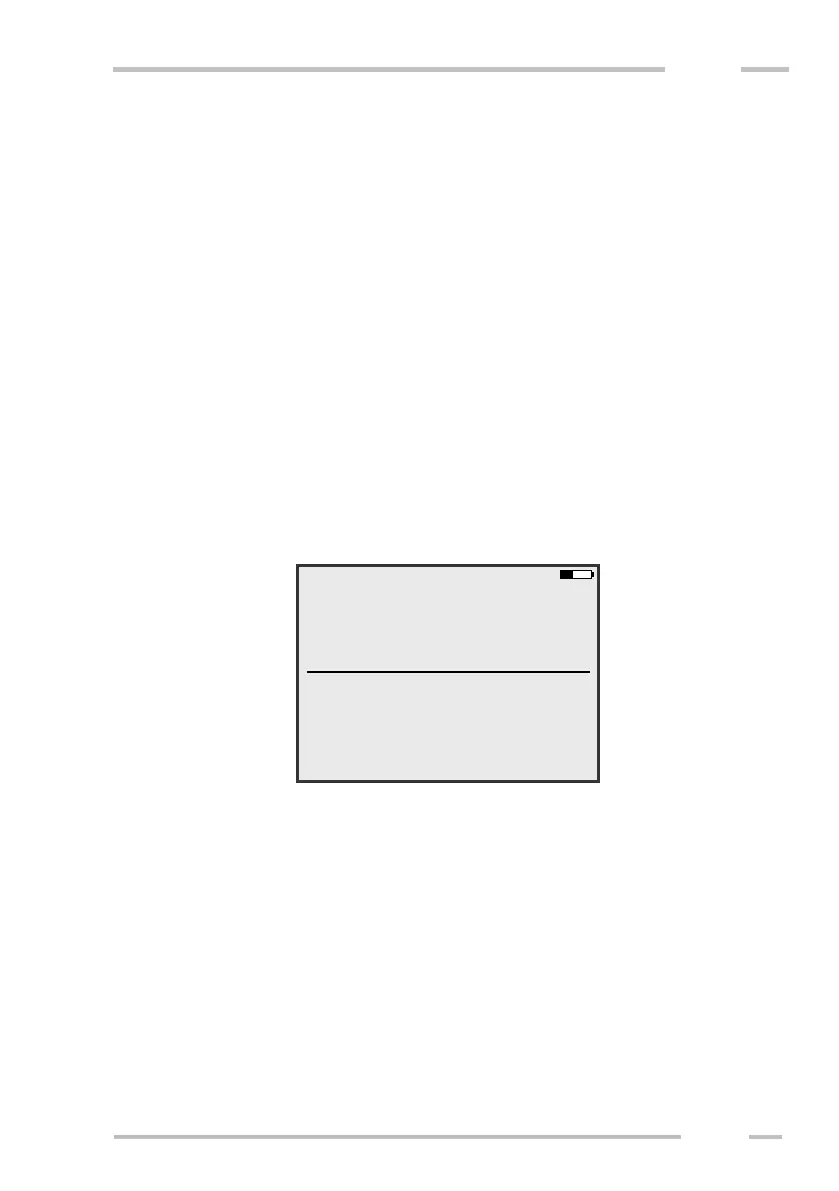
Choose “Continuous measurement” from the main menu. Following screen
will be shown.
Enter file name (obligatory), locality name and note (optional). Choose the
calibration (Depth/Cal) and measurement time (Meas. time). If you measure using
CMD-Explorer / MiniExplorer, you are also asked to set the “Main view”, which
determines the receiver shown in screens “1” and “2” during measurement. If you
measure using CMD-Duo, you will be also able to change coil separation, if
needed.



 To Next Page