Remeasure any calibration point
Choose “Setting“ from the main menu, choose appropriate calibration from
a list of calibrations and choose e.g. “Remeasure point 1 H” if you want to change
calibration measurement on the first calibration point in high depth range. (All
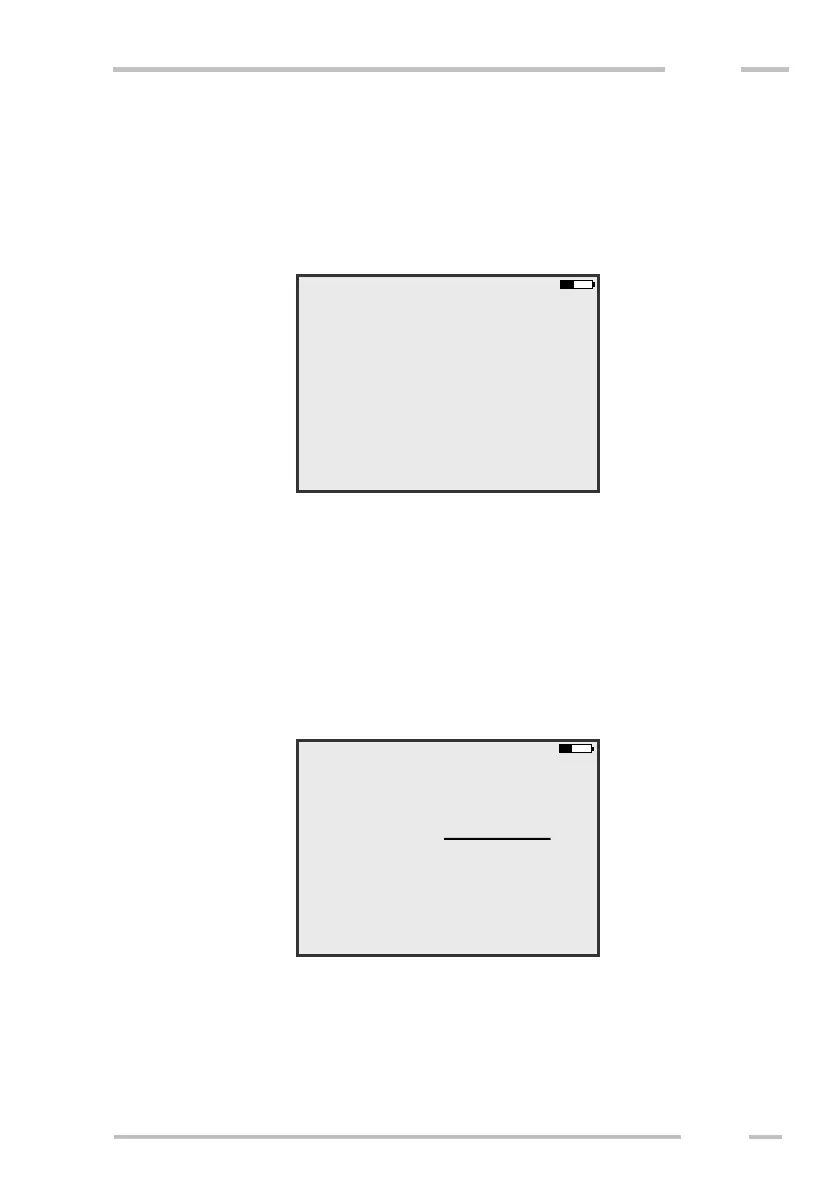
already measured calibration points are presented as menu item “Remeasure
point …” as it is shown in the following picture).
The procedure of the measurement is the same as it is described above.
Changing conductivity values
It is possible to change conductivity values of all measured calibration
points.
Choose “Setting“ from the main menu, choose appropriate calibration from
a list of calibrations and then “Conductivity values”. The following screen is
shown.
Enter new conductivity values in mS/m of all measured points. After that
confirm whether you wish to save the calibration by means of “Yes“ key.
If you want to change conductivity values stored in CMD-Explorer /
MiniExplorer, before asking for new conductivity values you are asked to choose
the receiver for which you want to edit values.



 To Next Page