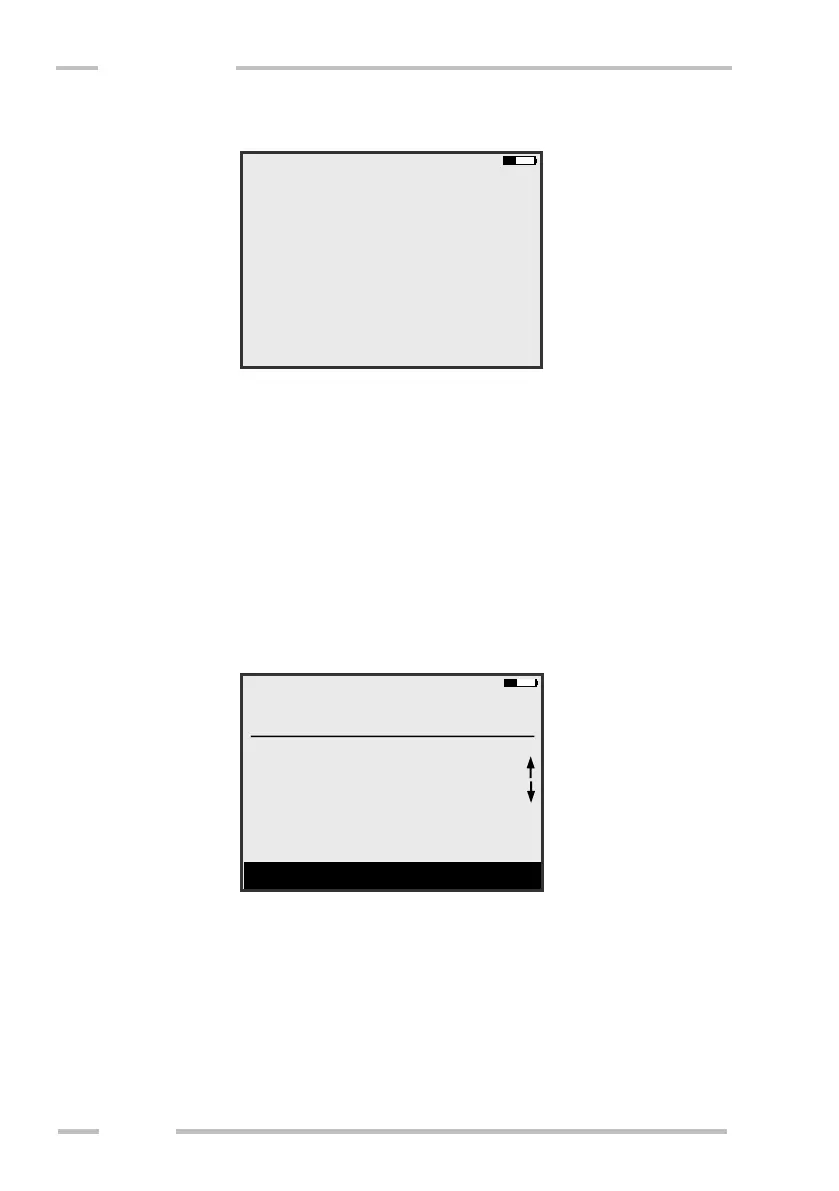
The next screen will be shown.
Enter the step of the length marks in their grid. If you are going to measure
in a grid of length marks (continuous area for 2D mapping) enter the distance of
length marks in x and y directions. If you are going to measure only individual
lines enter x-step=1 and y-step as the distance of length marks along the line. Then
x-position will show the number of line.
Start of the measurement
Go to the position shown in the upper part of window or change it to the
actual one. The arrows beside coordinates show the direction of the measurement.
It is possible to change the direction of measurement as well. Then the
measurement can start.



 To Next Page