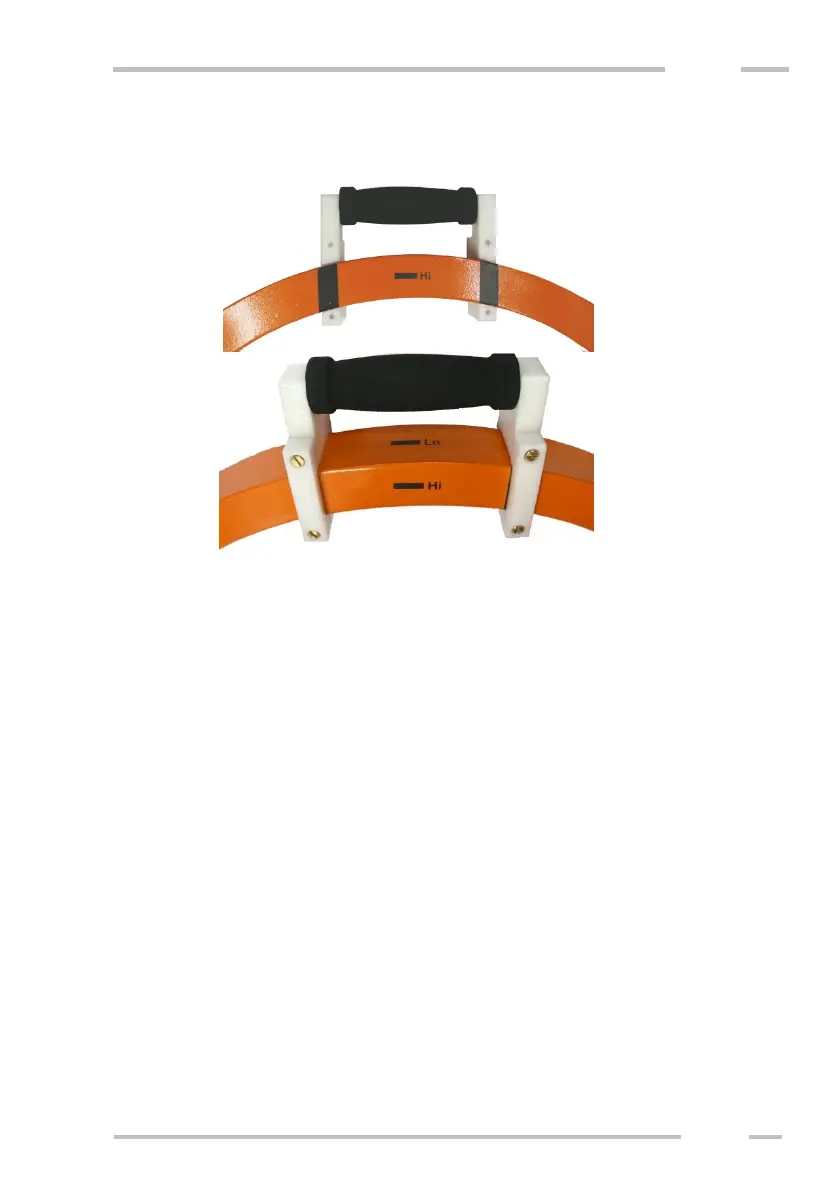
For easy field operation it is recommended to use coils with handles.
Starting up the instrument
Turn power switches at both coils on. Then switch on the control unit that
must be always moved with the receiver coil (mutual Bluetooth connection).
WARNING:
Do not turn the instrument on when coils are close to each other (e.g. in the
transport case) or laying close a large metal object (e.g. in a car). It may damage
the instrument or overload the transmitter. In the case of such overloading
(indicated e.g. by zero value of in-phase) turn all switches off, wait 5 minutes and
repeat the starting procedure again.
The power ON indicators on the coils show the battery status:
- Green indicates charged battery.
- Red indicates almost discharged battery.
- Blinking red indicates quite discharged battery. It is necessary to terminate
measurement.



 To Next Page