Data Download
Software installation
Insert the installation CD called CMD into the PC. Connect PC with CMD
control unit by means of USB cable from accessories and turn the instrument on.
Wait till the dialog “Found new hardware” appears and continue installing driver
according to instructions shown (For more details see the “readme.txt” file from
the installation CD). For the installation of the CMD Data Transfer software,
please, follow the instruction in the “readme.txt” file in CMD folder.
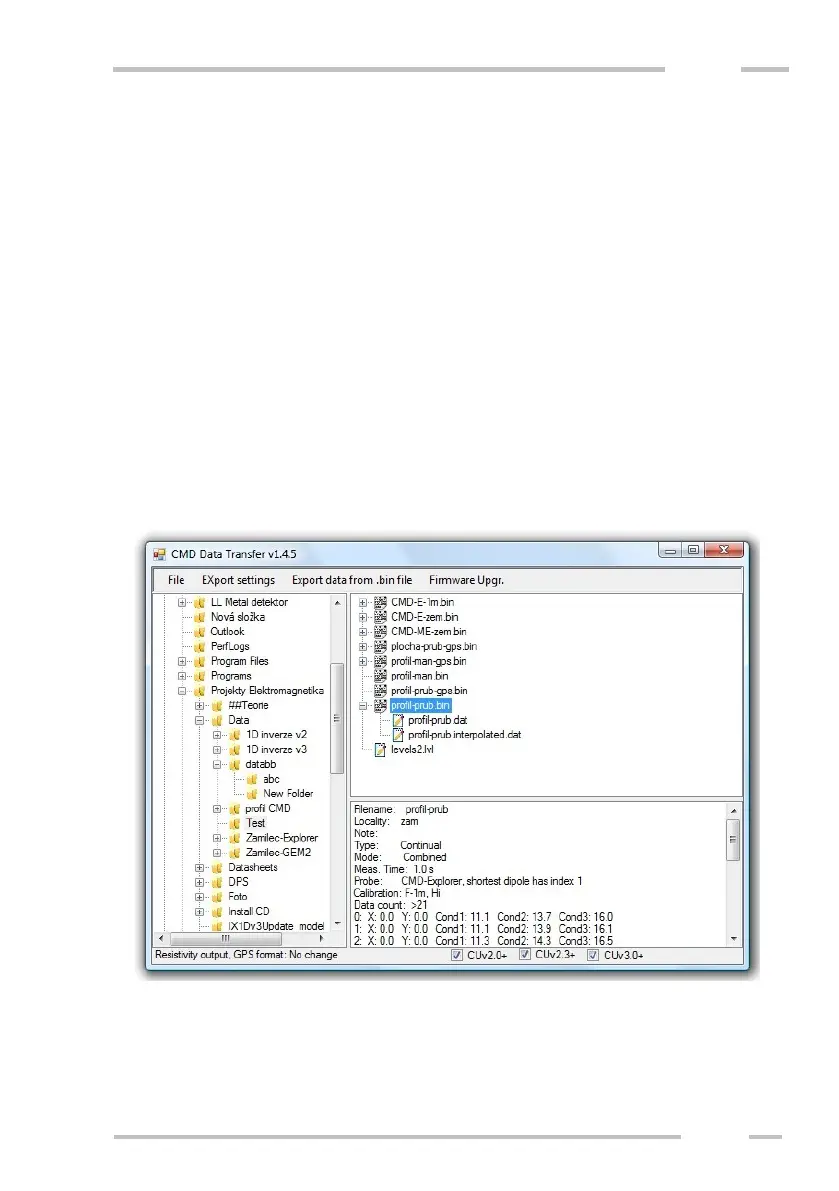
The downloading software introduction
The software serves for data downloading from the control unit internal
memory to the PC and for data export from stored binary files to data formats
readable in various processing programs. The main window consists of four parts:



 To Next Page