39
3.2 Deactivation of the photocell
Components on the door (e.g. spiral cables) may interrupt
the photocell always in the same position. A fault indication
appears. Use this menu item for setting the position. During
CLOSE operation, the photocell will be deactivated from this
position onwards. A fault indication no longer appears for this
position.
As soon as you save option
.1 and exit programming, teach-in
mode is active.
3.2
Deactivation of the photocell
►
. 0
Deactivated.
. 1
Activated.
Set a reference position.
There is no object protection when setting this function!
▪ Set the reference position before proceeding.
Setting of the function
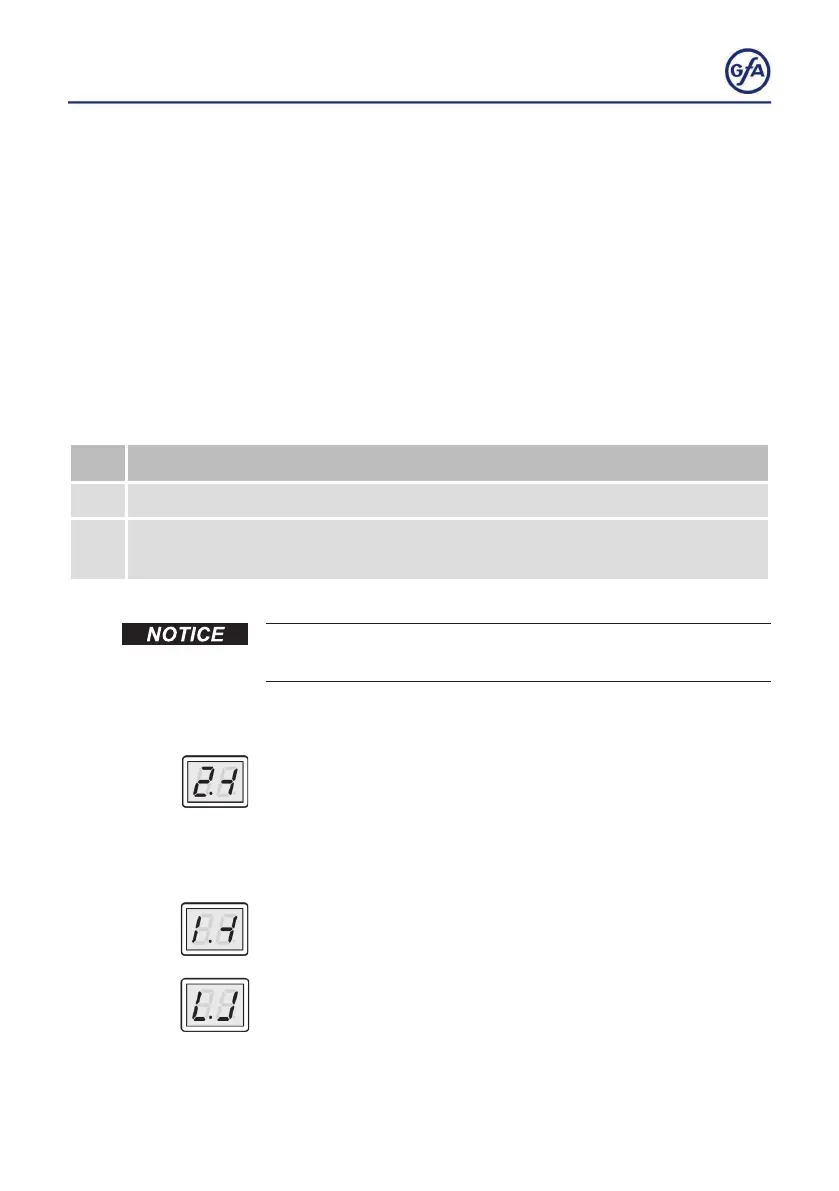
▪ After leaving programming, teach-in mode is active. The
displaychangesasshowninthegure.
▪ Open and close the door until the light beam has been
interrupted twice in the same door position.
▪ Thedisplaychangesasshowningureiftherstinterruption
is successful.
▪ The reference position is stored after two interruptions of the
photocell.Thedisplaychangesasshowninthegure.



 To Next Page