27
8 Programming
This chapter explains how to program the door control and
which menu items are available.
Beforeyoucanstartprogramming,youmusthavesetthenal
limit positions.
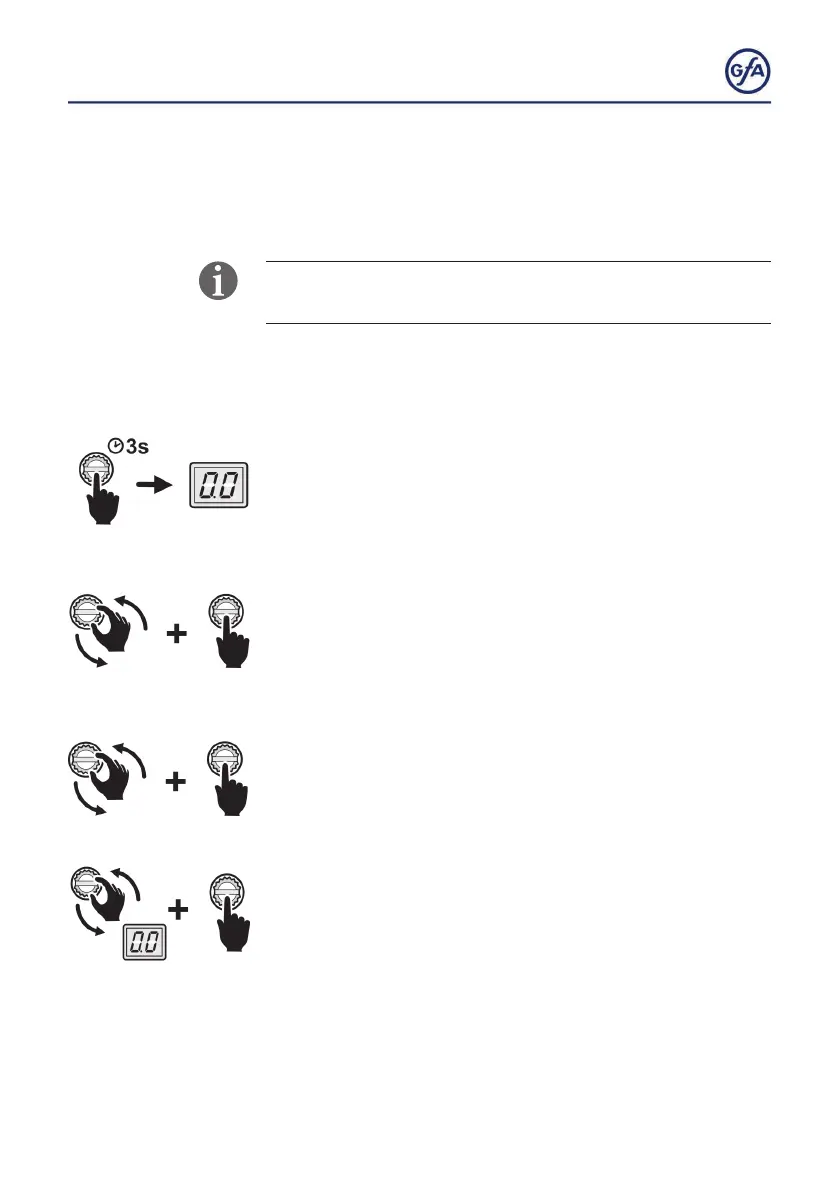
Programming the door control
1. Start programming:
▪ Press the selector switch for 3 seconds.The display changes
to
0.0.
2. Select the menu item:
▪ Turn the selector switch to the desired menu item.
▪ Presstheselectorswitchoncetoconrmtheselection.This
will take you to the options.
3. Selecting options:
▪ Turn the selector switch to the desired option.
▪ Press the selector switch once to save the selection. You will
leave the options at the same time.
4. Terminate programming:
▪ Turn the selector switch to
0.0.
▪ Press the selector switch once to exit programming.



 To Next Page