58452 VXIbus Universal Power Meter
4-8 Publication 21555, Rev. E, September 2002
4.4 Performance Tests
It is recommended that the performance tests be done in the order described as some of the steps use the
configuration from a previous step.
The Performance Verification Test Data Sheet is at the end of this chapter. These sheets can be copied
and used for recording results each time testing is performed on the power meter.
4.4.1 GPIB Port Check
This procedure confirms that the GPIB port is functional.
4.4.1.1 Equipment Required
GPIB Controller
4.4.1.2 Procedure
1. Set the power meter’s logical address (See Section2.3 for instructions on how to set the address).
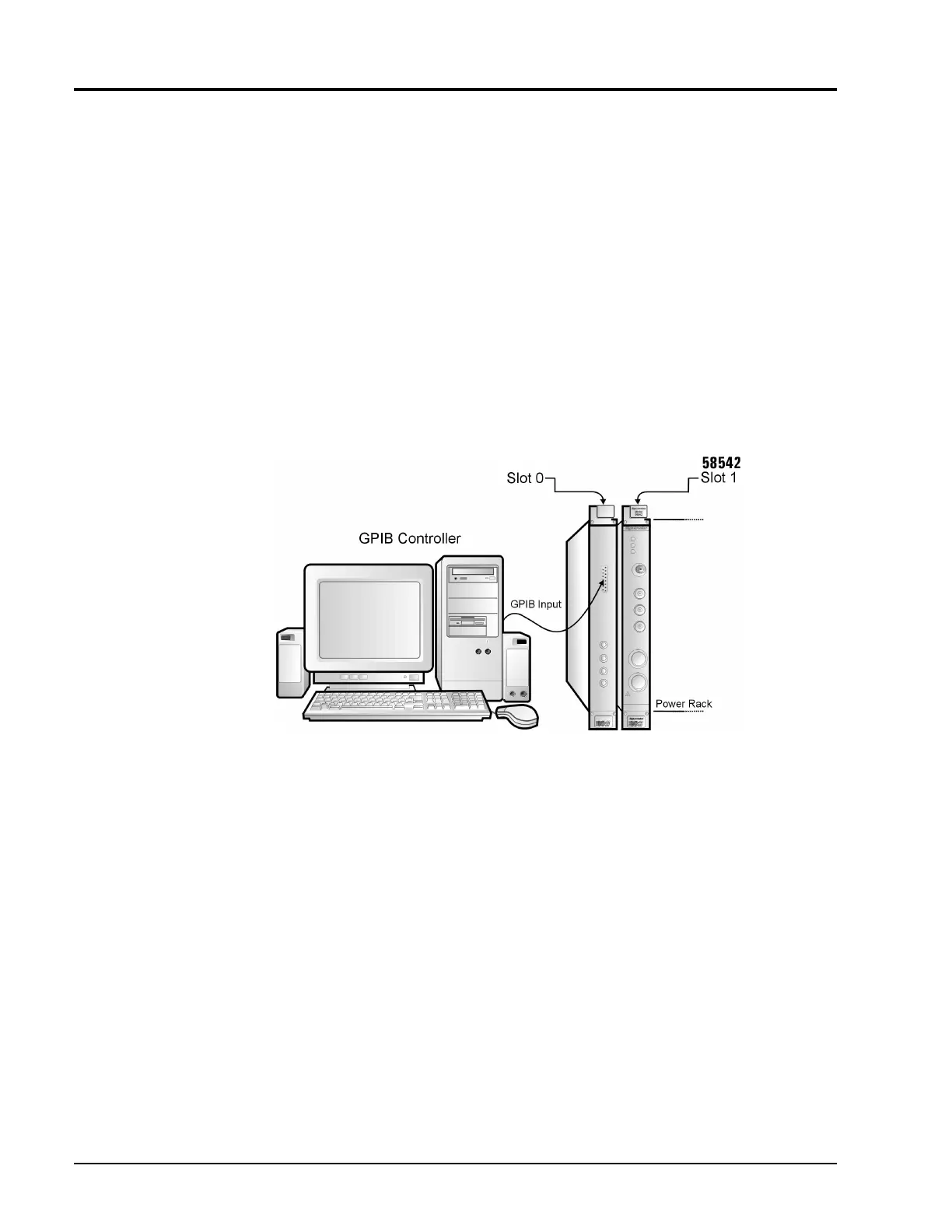
2. Connect the GPIB controller to the GPIB port of the SLOT0 plug-in next to the power meter (See
Figure 4-2).
3. Send the command:
*IDN?
This is the standard COMMON identify query command defined by IEEE 488.2 1988. When talk
addressed after receiving the command, the power meter will output a string that identifies itself as
the 58542 VXIbus Universal Power Meter.
Figure 4-2: GPIB Port Test Setup



 To Next Page