Configuring Omnia PCB Omnia Configurator - Creating a New Configuration
Page 5-24 MDE-5369G FlexPay™ IV (with Omnia V04.07) Programming and Service Manual · March 2021
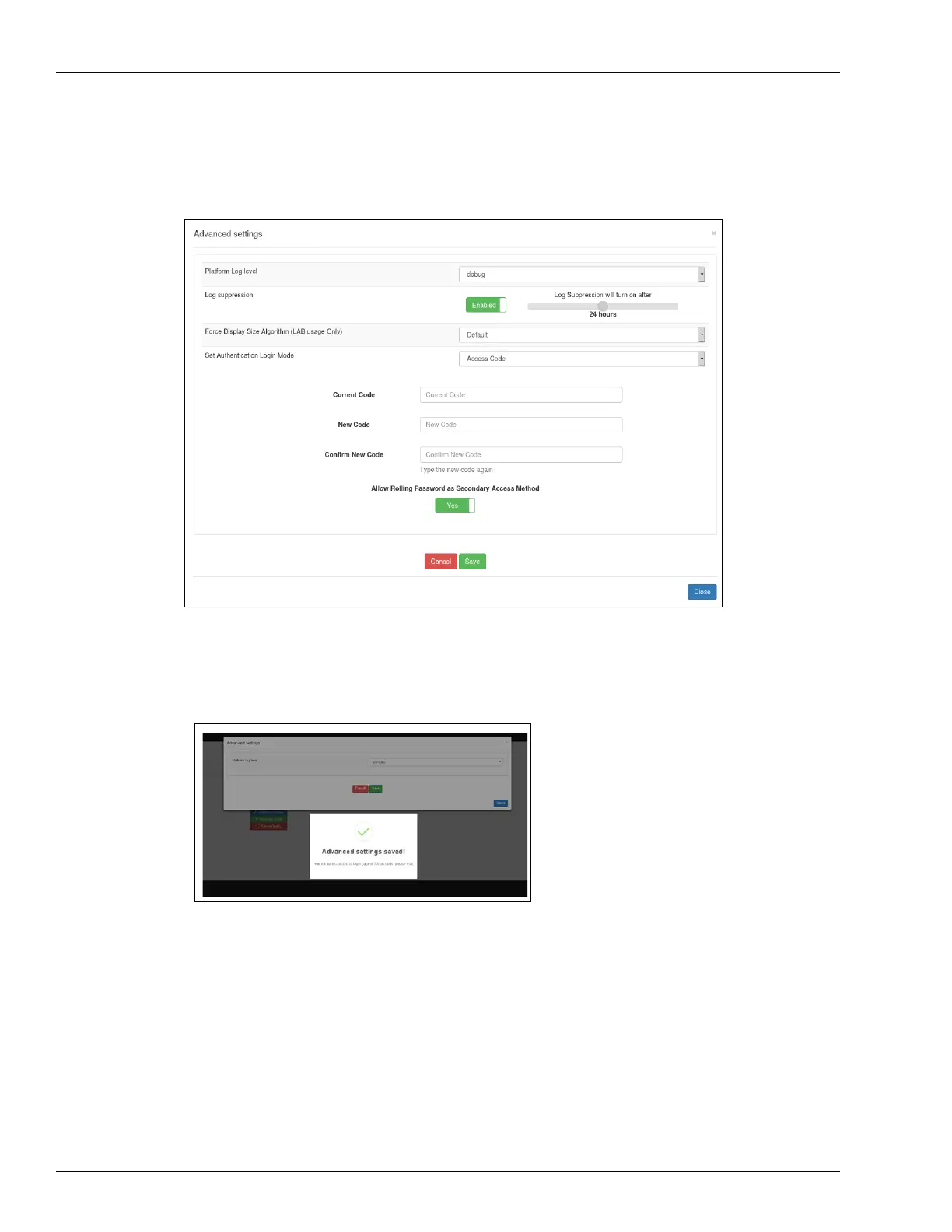
In Set Authentication Login Mode, if the Access Code login mode is selected it will display
the rolling password fallback option screen.
Figure 5-29: Rolling Password Fallback Mode
After setting the desired values, click Save. Advanced settings will be saved.
Figure 5-30: Saving Advanced Settings



 To Next Page