Omnia Configurator - Creating a New Configuration Configuring Omnia PCB
MDE-5369G FlexPay™ IV (with Omnia V04.07) Programming and Service Manual · March 2021 Page 5-27
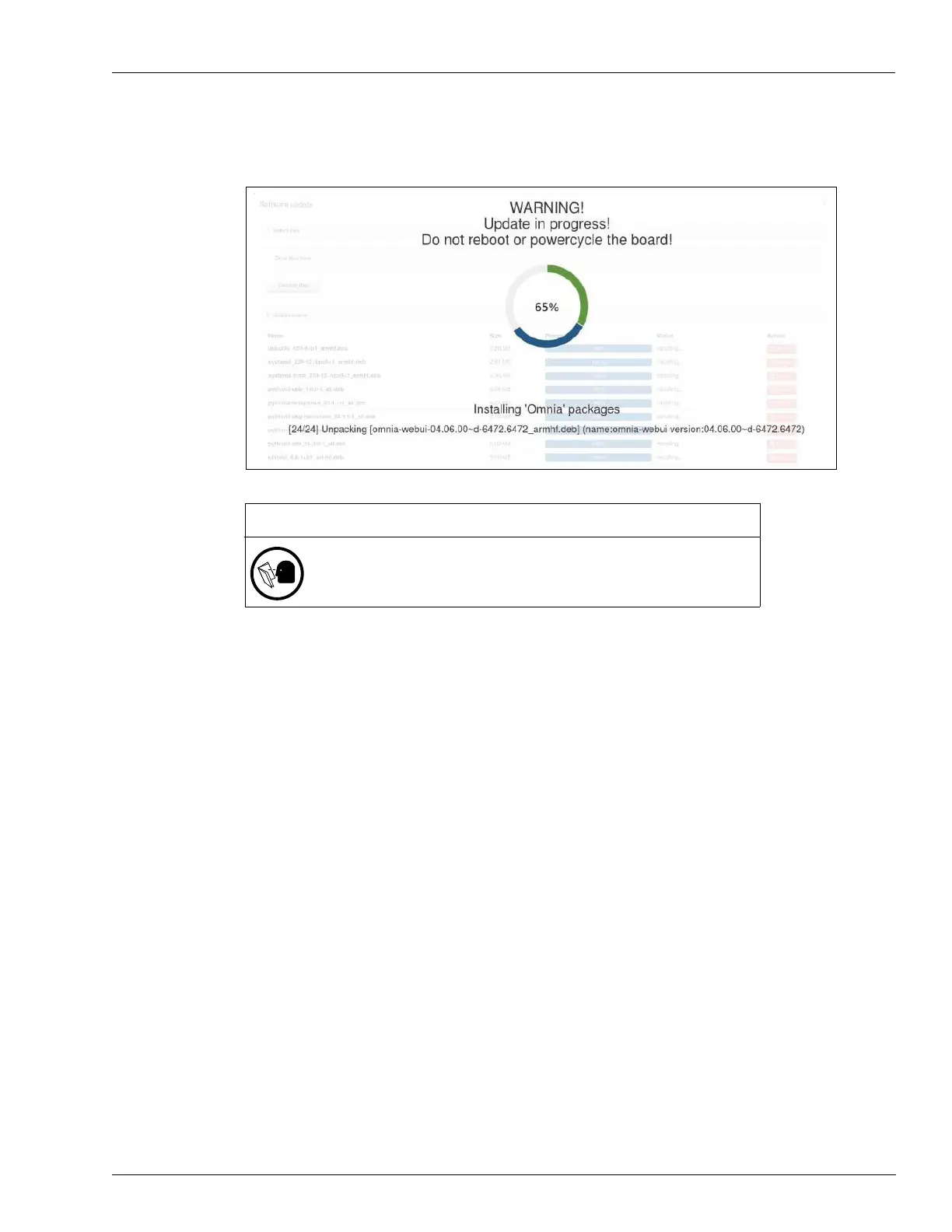
2 Wait until the Omnia packages are installed.
Figure 5-33: Software Update – Waiting Screen
Note: From this point, the upgrade process takes approximately 20-22 minutes.
3 After 12 minutes has passed, the dispenser goes offline from the forecourt.
4 If an Error Code 50 is displayed, wait. It should clear when communication is re-established
with the POS.
IMPORTANT INFORMATION
Rebooting or power cycling the Omnia while a software update is in
progress could potentially make the Omnia inoperative and a PCB
replacement might be required.



 To Next Page