Configuring Omnia PCB Omnia Configurator - Creating a New Configuration
Page 5-28 MDE-5369G FlexPay™ IV (with Omnia V04.07) Programming and Service Manual · March 2021
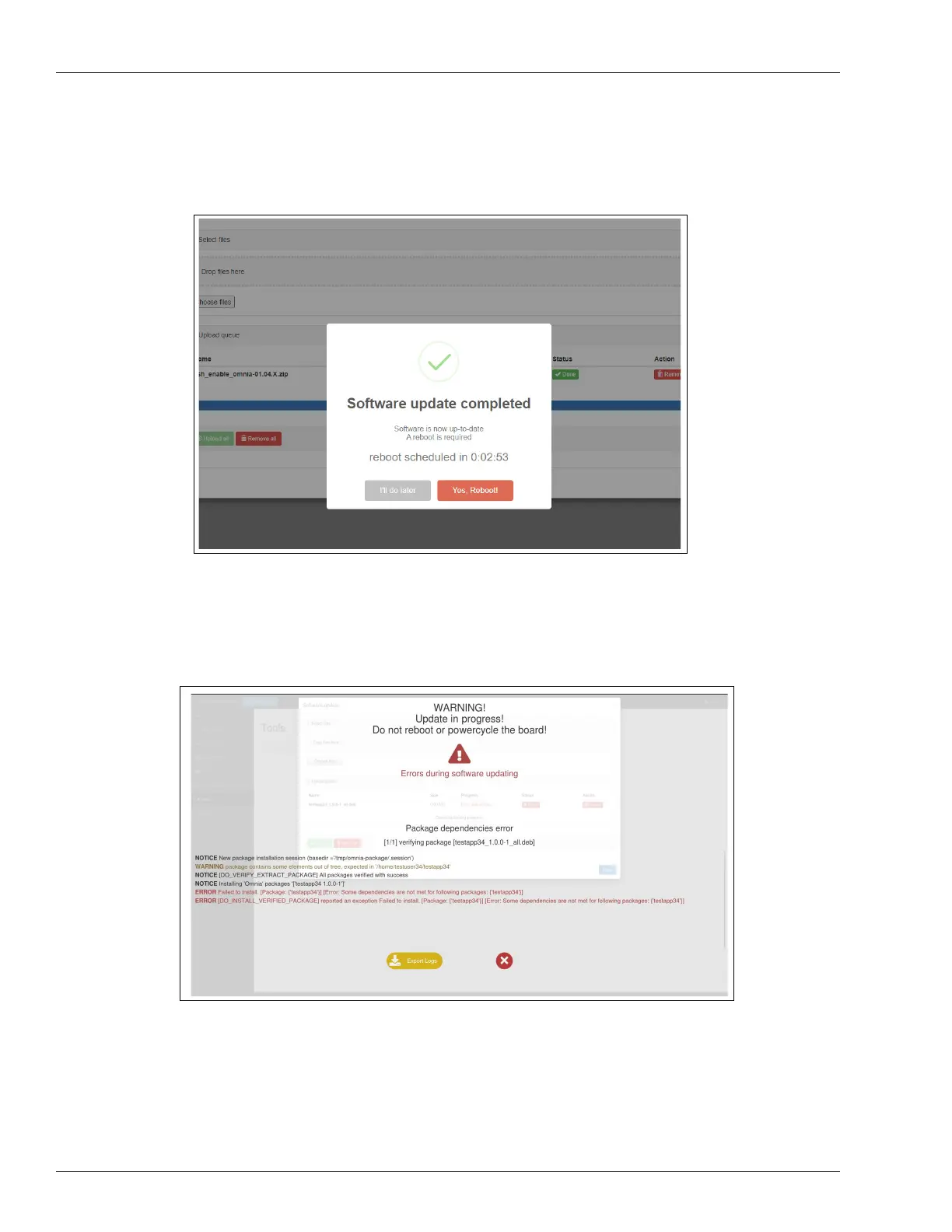
5 After 8-10 more minutes, the dispenser comes back online. Figure 5-34 shows the message
that indicates when the software up
date is completed. Reboot to continue.
Figure 5-34: Software Update Successful Completion Message
6 In case of errors in the software update, the progress indicator stops and an error message is
displayed. Export the installation logs using the Export Logs button and close the page.
Figure 5-35: Software Update Error



 To Next Page