33
Select the base program, open it
and modify it by clicking on Advanced
Customisation�
Make the desired modications and
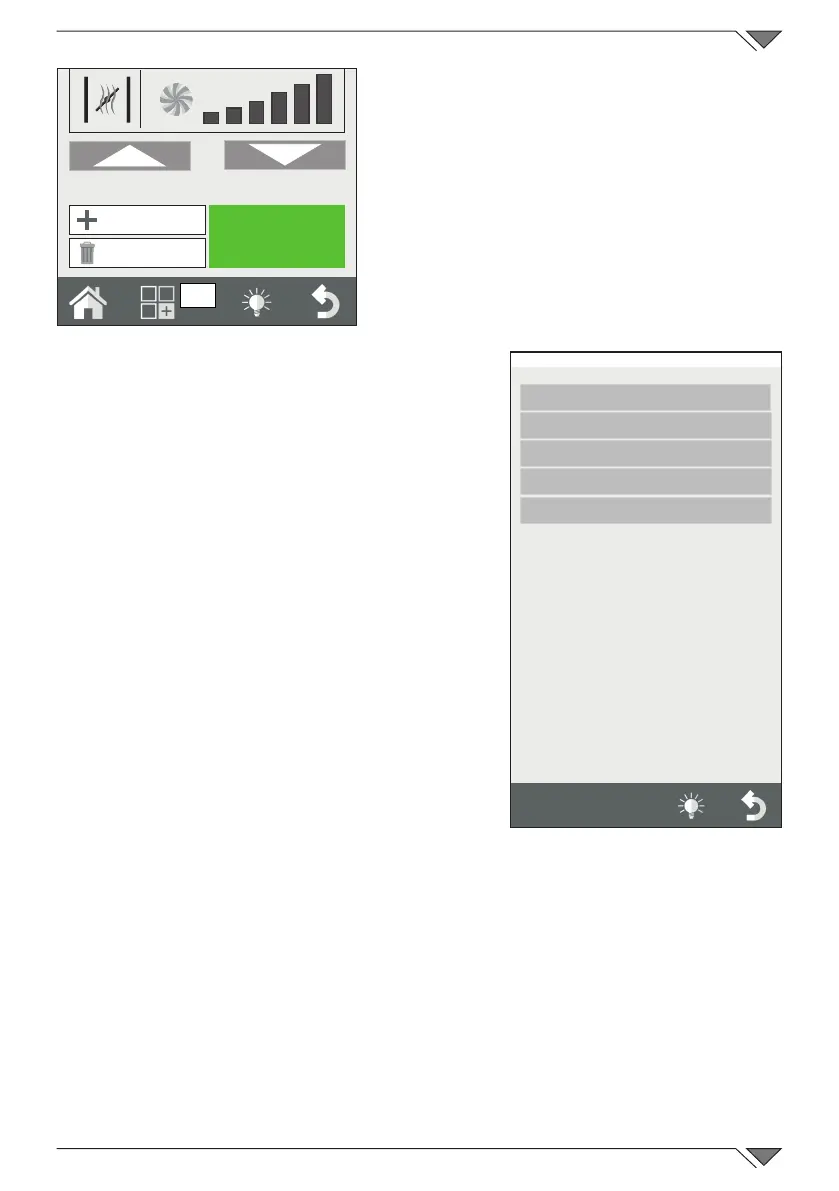
using the Functions menu (ref. 21)
select Save and then Copy�
Select the group where to save it and
then enter the name and press Enter
toconrm.
Shift a program
If you want to shift a program from one
group to another, open the program and click
on the functions key� Select Save and then
Shift Select the new group or new groups
whereitistobeshiftedtoandconrmwith
the Forward key�
Rename a program
After having opened the program, click on
the Functions key and select Save and then
Rename� Enter the new name and press Enter�
Delete a program
After having opened the program, press the
functions key and click on “Save” and then
delete�
ConrmthechoicebyclickingonYESinthe
pop-up that is shown�
2.10 Selecting a program from the menu
The oven is supplied with a series of cooking programs pre-loaded in
the memory�
These are divided by cooking type (grilled, roasted, fried, etc�) and per
producttype(meat,sh,vegetables,etc.).
START
21
New Phase
Delete Phase
Friday, 30 October 2015 16:20
Save
Copy
Rename
Delete
Move



 To Next Page