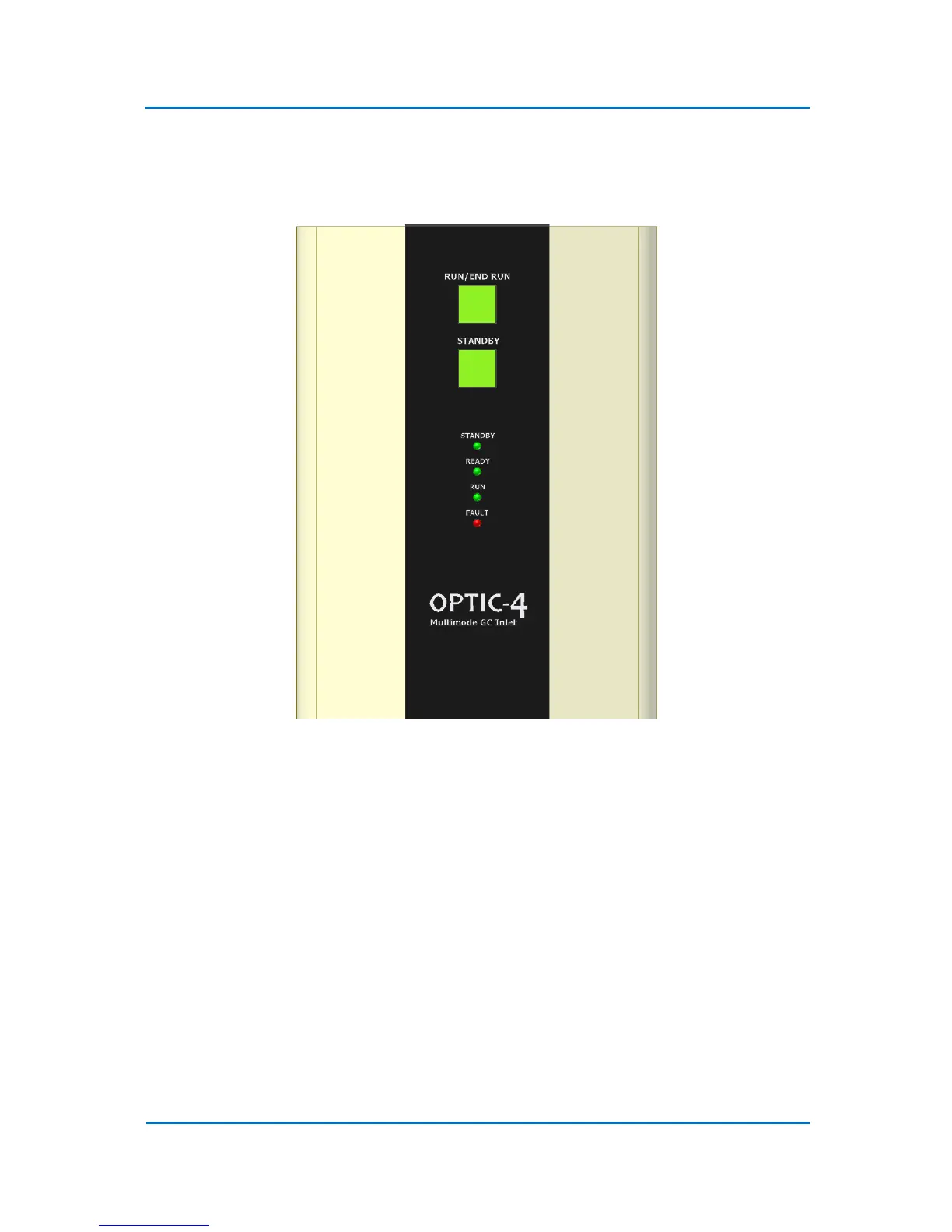
state. More extensive control is provided by the Evolution Workstation software running on a host
PC. A diagram of the front panel is shown in Figure 3.2.
Figure 3.2 OPTIC-4 Control Unit Front Panel
3.3 Status LED’s
System status information is presented to the user via the status LED’s:
• STANDBY – indicates that the system is in Standby state and maintains parameters set via
the Standby Parameters dialog in the Evolution Workstation software.
• Blinking READY - indicates that either method is being initialized or the system waits for
Ready In signal from GC or autosampler.
• READY – indicates that the initial parameters of method are set and the system is ready for
run.
• Blinking RUN – indicates that the system waits for Run In signal either from a GC or an
autosampler.



 To Next Page