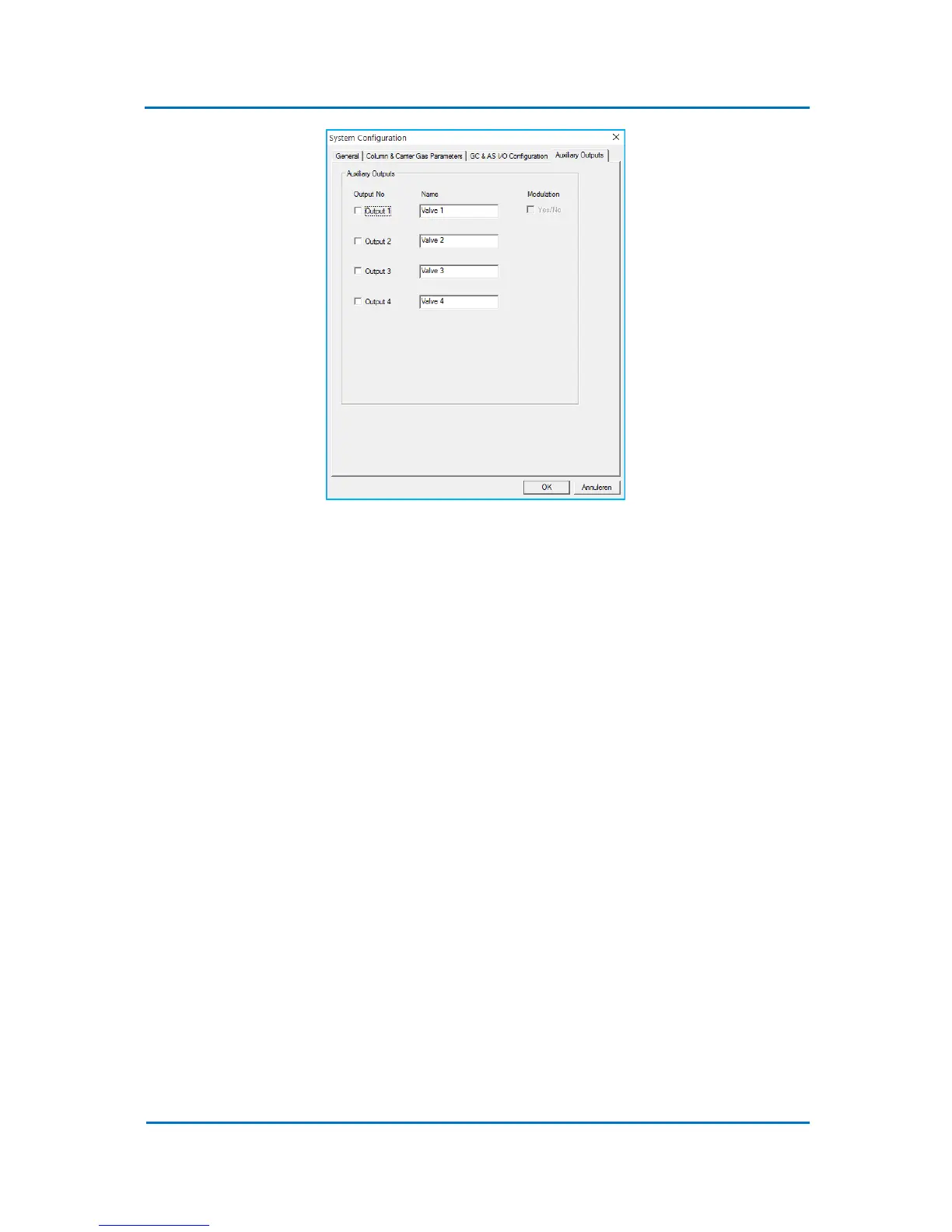
Figure 5.9
The Modulation option in the Auxiliary Outputs tab allows to use the Auxiliary Output 1 for control
of a flow modulation valve. When this option is enabled, the Modulation Valve group of parameters
will appear in every new method opened in the Evolution Workstation control software.
The complete list of the system parameters is included in Appendix A “OPTIC-4 Default Parameters”.
5.5.3 External Communication
Select Configuration/ External Communication to choose the communication interface to OPTIC-4
(Fig. 5.3). Either USB or LAN interface can be chosen. The IP address for the LAN communication is
grayed-out. It should be set via the system configuration dialog (Fig. 5.6).
NOTE:
When using Evolution Workstation software, please take into account that some
options will only be available (enabled) if there is communication between the
software and the OPTIC-4 control unit.



 To Next Page