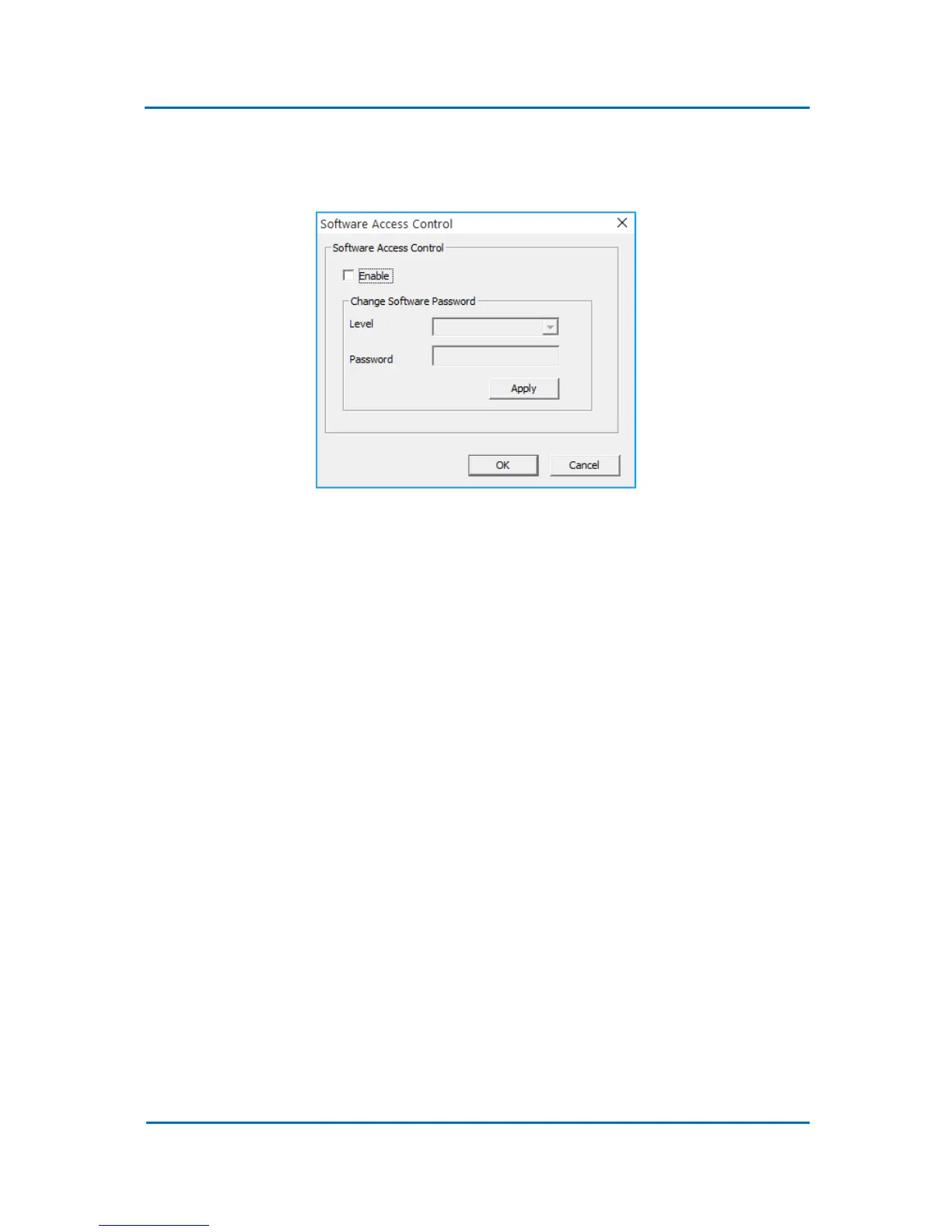
5.5.4 Access Control
Select Configuration/ Access Control to enable the software access control (Fig. 5.10).
Figure 5.10
5.5.5 Set Calibration Parameters (Locked)
This configuration option is password protected and is intended for the service purposes only.
5.5.6 Save Run-time Parameters Data
This option, if enabled, allows to save all the run time parameter displayed in the status graphs of
the Evolution Workstation control software. The data are saved to the method directory and can be
viewed using an Excel macro (unsupported) supplied on the system CD.



 To Next Page