• The analysis of very active components is possible since the opportunities for adsorptive
losses are greatly reduced.
• The analysis of components with a very high boiling point (such as polymer additives) is
possible.
• The very short time-cycle associated with desorption makes it possible to obtain results
quickly.
7.2.5 Expert Method
Eight modes of operation described above are designed to cover the most common ways in which
OPTIC-4 can be used. The Expert mode is designed to cater for many other possibilities.
In an Expert method, up to nine segments for the inlet temperature profile can be programmed
including segments with a negative temperature ramp when the inlet heater is switched off and
cooling is on. Up to nine segments for column flow as well as split flow profiles can be set. In
addition, four external channels of timed events can be programmed in any sequence.
Flow control of an auxiliary gas supply channel is also possible.
Some of the special features of these methods are introduced in Chapter 6 9 “Advanced OPTIC-4
features”.
7.3 Method Definition
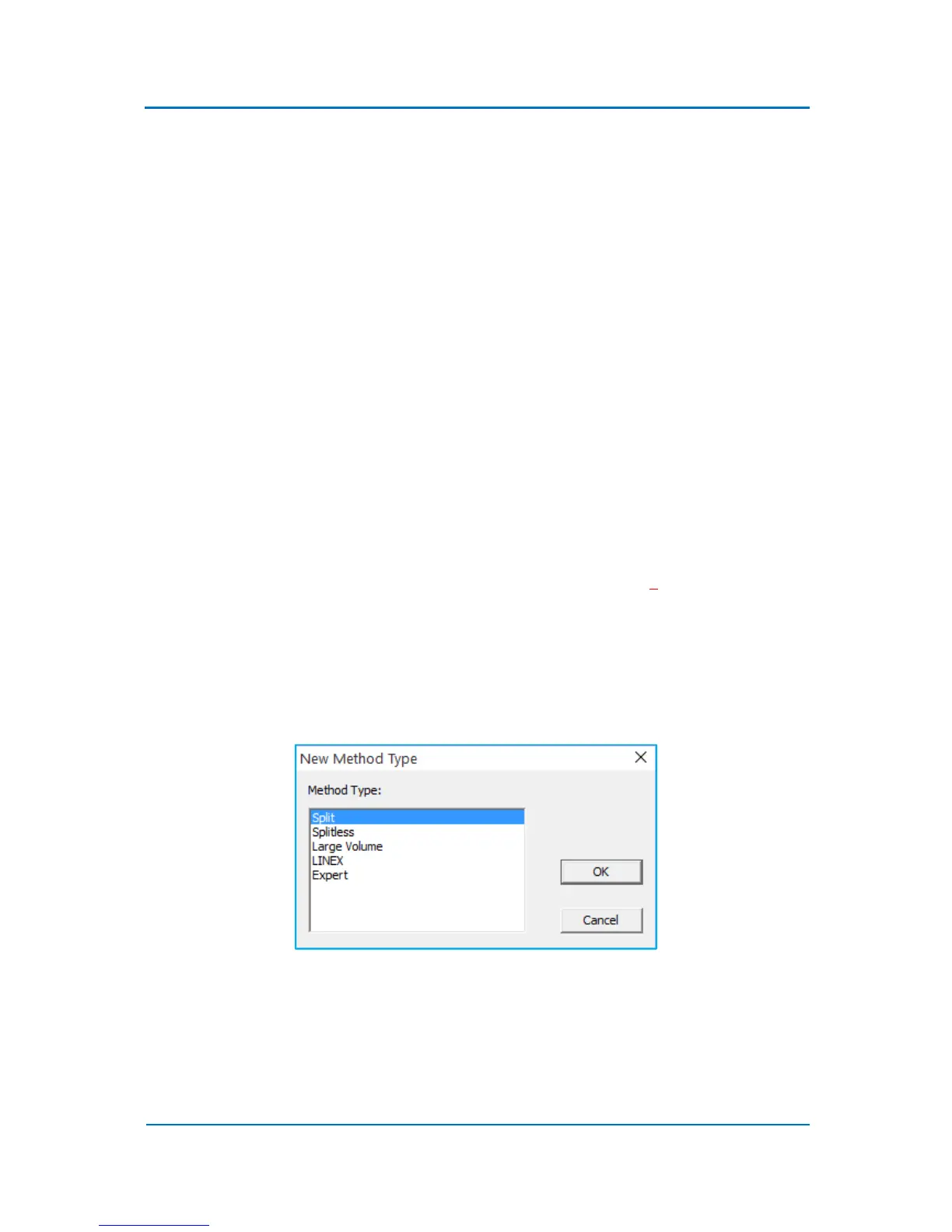
To open any of these preprogrammed methods, select File/New menu option. Choose ‘Method’ and
click ‘OK’ button. A list of the OPTIC-4 predefined methods will appear on the screen (Fig. 7.1).
Figure 7.1
Choose a method which is the most appropriate for your application and click ‘OK’. A method
window with the parameter list and the parameters profiles will appear on the on the screen (Fig.
7.2). The left side of the method window displays the method parameters list. The right side of the
window shows parameters profiles.



 To Next Page