OPTIC-4 “Master” Mode
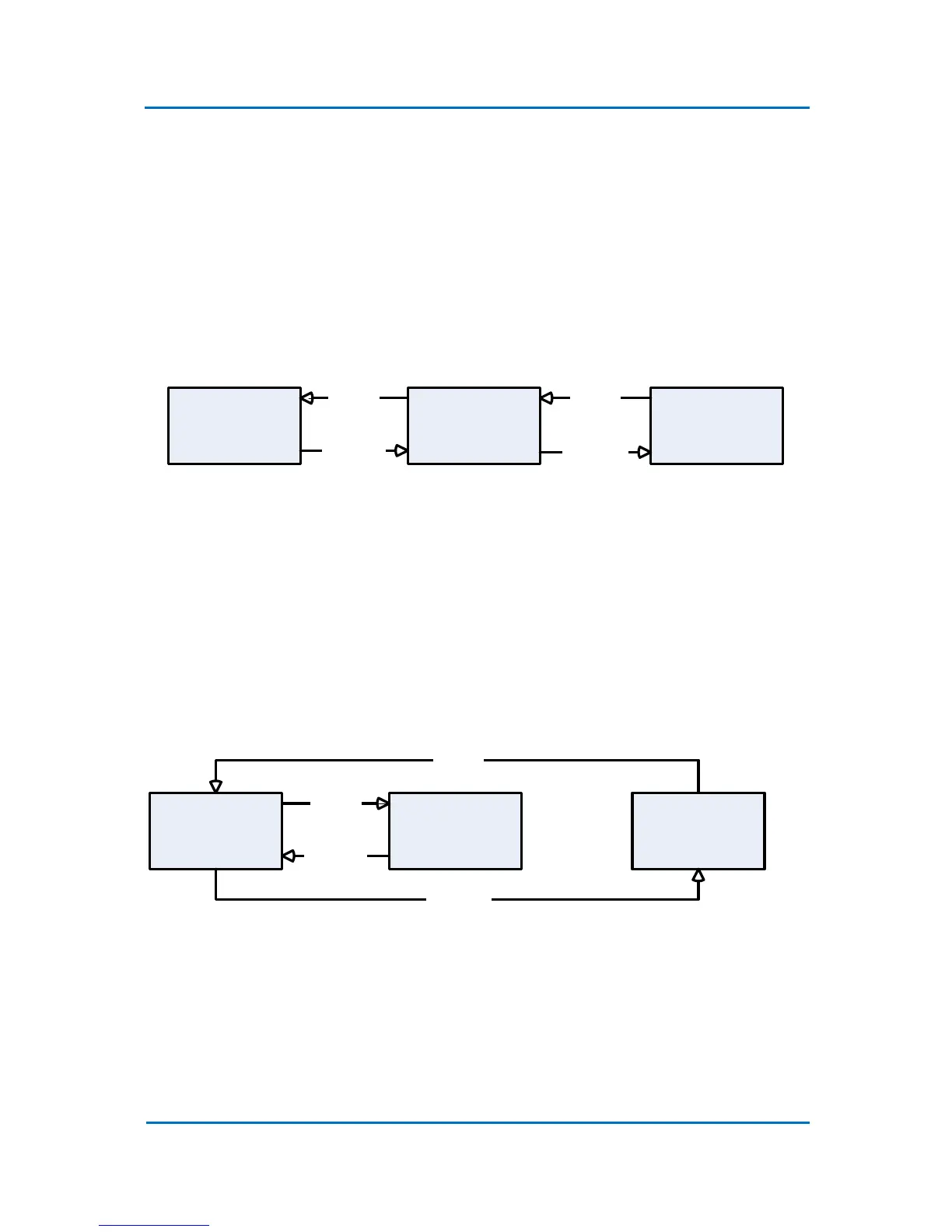
When OPTIC-4 is configured as the “Master” then once the initial conditions of the method are
reached, it waits for the “Ready In” (1) signal from GC (Fig. 3.7).
When the “Ready In” signal is received, OPTIC-4 waits for the equilibration time to elapse and then
sends the “Ready Out” (2) signal to the autosampler. After the injection is completed, OPTIC receives
a “Run In” (3) signal from the autosampler and OPTIC then sends “Run Out” (4) to GC and performs
the actions defined in the method.
GC OPTIC-4 AutoSampler
Run (3)
Ready (1)
Ready (2)
Run (4)
Figure 3.7 OPTIC-4 state diagram in “Master” mode
The operator can manually give the “Run In” signal from the keypad or control software at any time.
In this case OPTIC-4 ends all current actions and starts the method run.
OPTIC-4 “Slave” Mode
When OPTIC-4 is configured as a “Slave” then once the initial conditions of the method are reached,
it does not wait for “Ready In” signal from GC (Fig. 3.8) but immediately enters the equilibration
state.
GC OPTIC-4 AutoSampler
Ready (1)
Run (4)
Run (3)
Ready (2)
Figure 3.8 OPTIC-4 state diagram in “Slave” mode
When the equilibration time is elapsed, OPTIC-4 sets the “Ready Out” (1) signal to the GC. After the
injection is completed, OPTIC-4 receives a “Run In” (4) signal from the GC (autosampler) and
performs the actions defined in the method.



 To Next Page