TX6600PRO INSTRUCTION MANUAL
73
Set PRI
Press the programmed Set PRI key to save the currently selected channel to the
designated priority channel memory (priority channel 1 or 2). This channel can
then be instantly recalled using the programmed PRI key.
PRI
Press the programmed PRI key to switch immediately to the designated priority
channel (priority channel 1 or 2). This channel may be preset using the dealer
software or saved using the Set PRI key (above).
Dual Watch
1. Choose your selected channel using the Channel knob or the keys.
2. Press the programmed Dual Watch key to activate Dual Watch.
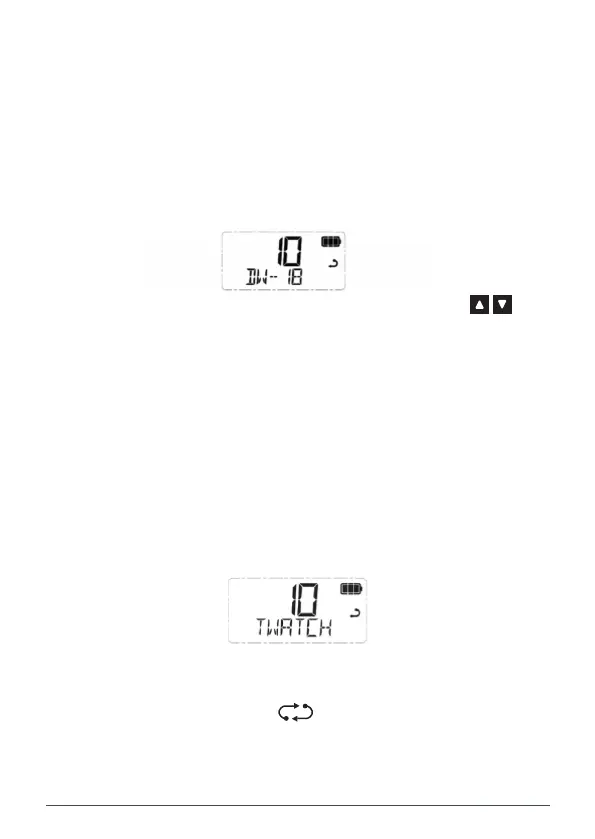
3. DW – xx is displayed (where xx is your last selected priority channel)
and the icon will animate. The radio is now watching both the selected
channel and the last selected priority channel.
NOTE: If the selected channel and the priority channel are the same, Dual Watch
will not start and SCAN ERROR will be displayed. In this case please select
another channel.
To Exit Dual Watch
Press the programmed Dual Watch key. Dual watch will stop and the radio will
return to normal operation.
Triple Watch
Triple Watch scans the selected channel, Priority Channel 1 and Priority Channel 2.
TX6600PRO User Manual V1.0
Give Feedback to Microsoft
1. Choose your selected channel using the Channel knob or the keys.
2. Press the programmed Triple Watch key to activate Triple Watch.
3. TW - xx will appear (where xx will alternate between your two
priority channels) and the icon will animate. The radio is now
watching all three channels.
NOTE: If the selected channel and either of the priority channels are the same,
Triple Watch will not start and SCAN ERROR will be displayed. In this case please
select another channel.



 To Next Page