4 – 9
4.4.3 Specifying the Cutting SPEED
This setting determines the speed with which cutting is performed. Set the SPEED value to suit the
medium you will be using, based on the guidelines in the table entitled “Optimum Cutting Conditions
According to Film Type” on page 4-6.
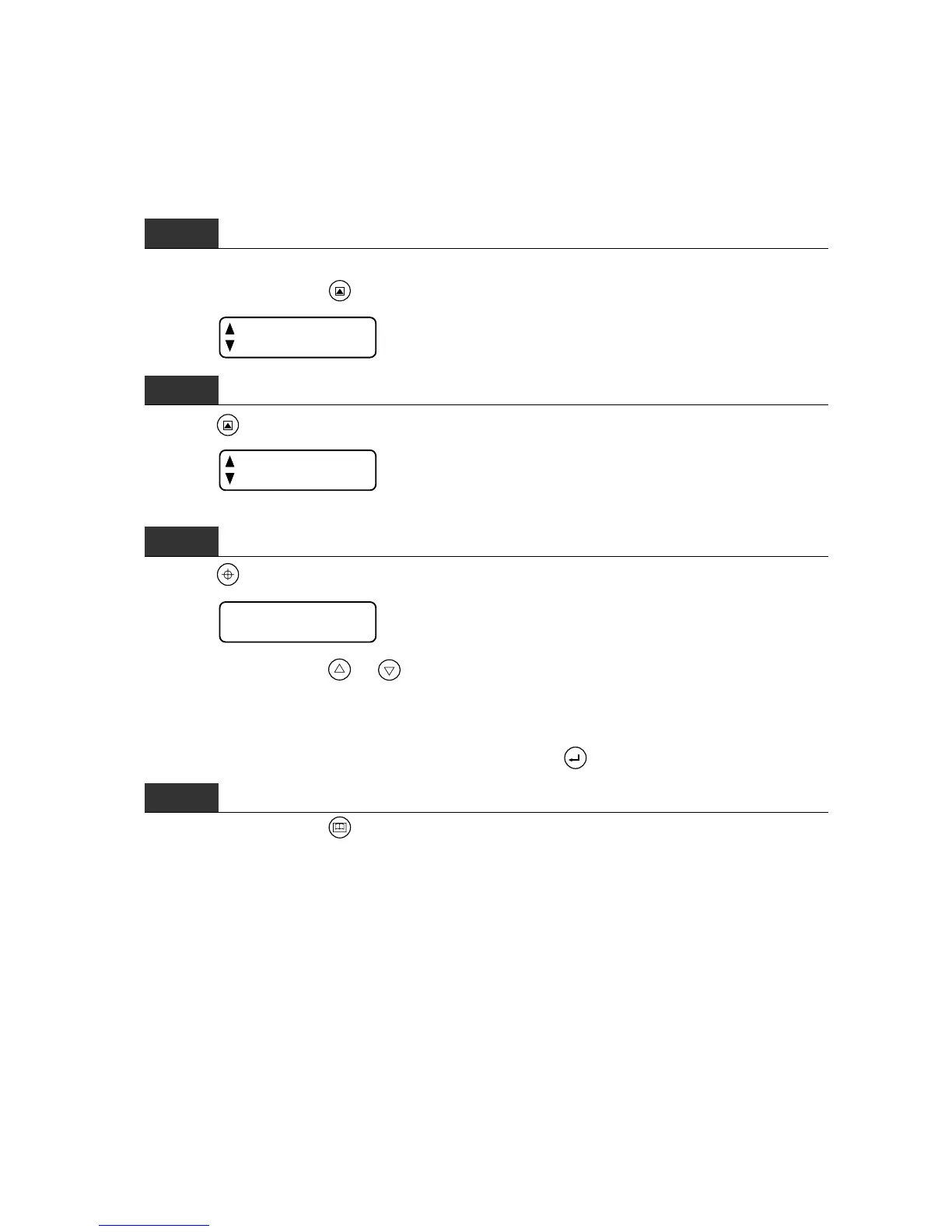
Step 1
After selecting the desired set of cutting conditions, check that the cutting plotter is in READY or PAUSE
status and then press the
F2/TEST
key to display the menu below.
TEST CUT
PEN SETTINGS
Step 2
Press the
F2/TEST
key (PEN SETTINGS) again to display the menu below.
SPEED
PEN FORCE
Step 3
Press the
F1/ORIGIN
key (SPEED) to display the menu below.
SPEED
30 cm/s
At the above menu, use the or key to change the SPEED setting. The SPEED setting can be set
in a range of 1 to 60 (in 1 cm/s steps from 1 to 10 and in 5 cm/s steps from 10 to 60). For the CE2000-120
model only, the numeral 60 is followed by the display of “∗∗” which represents the maximum SPEED setting
of 100 cm/s (in the diagonal direction only).
When the displayed SPEED value is satisfactory, press the












 To Next Page