30
M_M20 series V3_EN_C
J. Connections - Installation
1. Connections
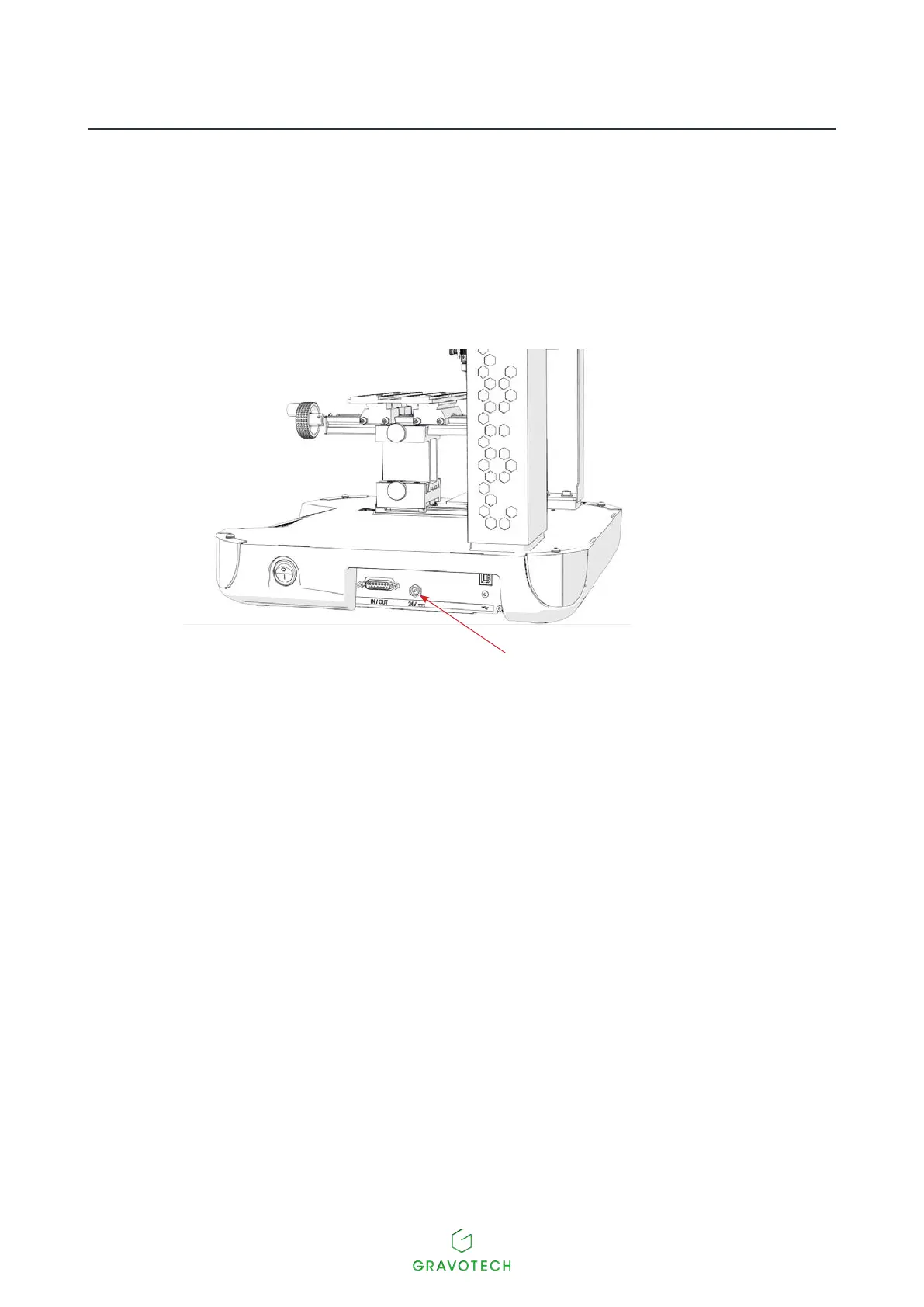
Power supply connection
Side view of the machine
M20 / M20 PIX / M20 JEWEL
Power inlet / outlet
1. Connect the power supply unit mains lead to the socket connection on the machine.
2. Connect the power supply unit mains lead to the mains socket connection.
Tocutothepowertothemachineifthereisaseriousproblem,unplugthepowercableoroperate
theOn/Oswitch(On/Oswitch).
2. Machine / PC connection
The machine installation and usage procedure is based on a PC-type computer running Windows®. For help,
contact Gravotech.
1. SwitchothePCandthemachine.
USB connection
1. Connect the USB cable to the machine's USB port.
2. Connect the USB cable to the PC's USB port.



 To Next Page