34
M_M20 series V3_EN_C
Using the machine
2. Introductiontomarking
Creating the composition
1. Switch on the machine.
2. From the program, transfer the composition to the machine. Refer to the user manual for the
program.
Example: Metal insert:
- Use the spindle with the diamond tip.
- Use the following parameters: Speed (X,Y,Z): 15 mm (0.591 in)/s; Depth: 0.1 mm (0.004 in),
Z clearance: 2 mm (0.079 in); Automatic Zref
Positioning the object to be engraved
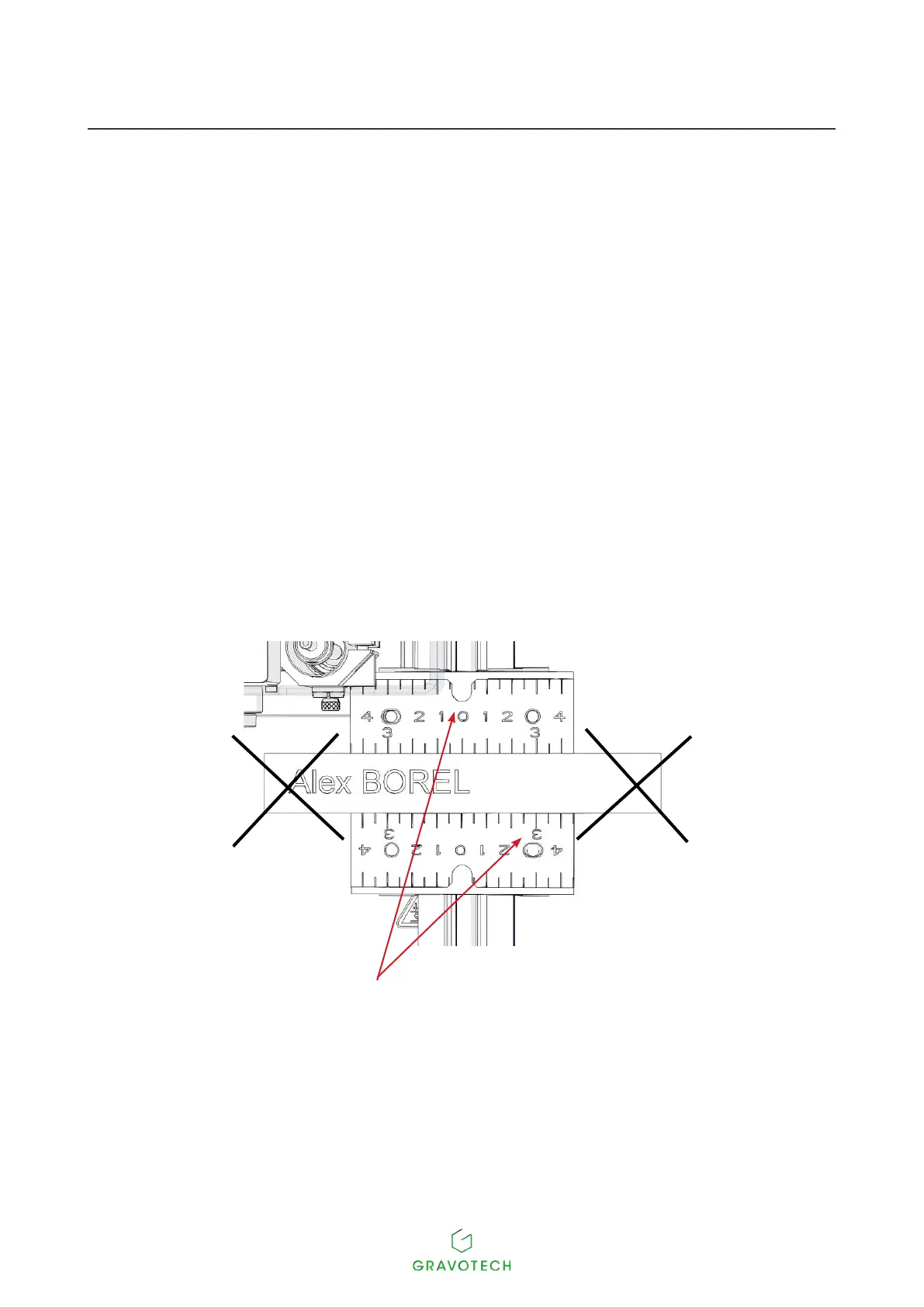
1. Choose the jigs according to the length of the object to be engraved. Consult a Gravotech retailer
tondoutaboutthevariousjigsavailable.
The length of the object to be engraved must never exceed that of the jigs:
Jig(s)



 To Next Page