33
M_M20 series V3_EN_C
Using the machine
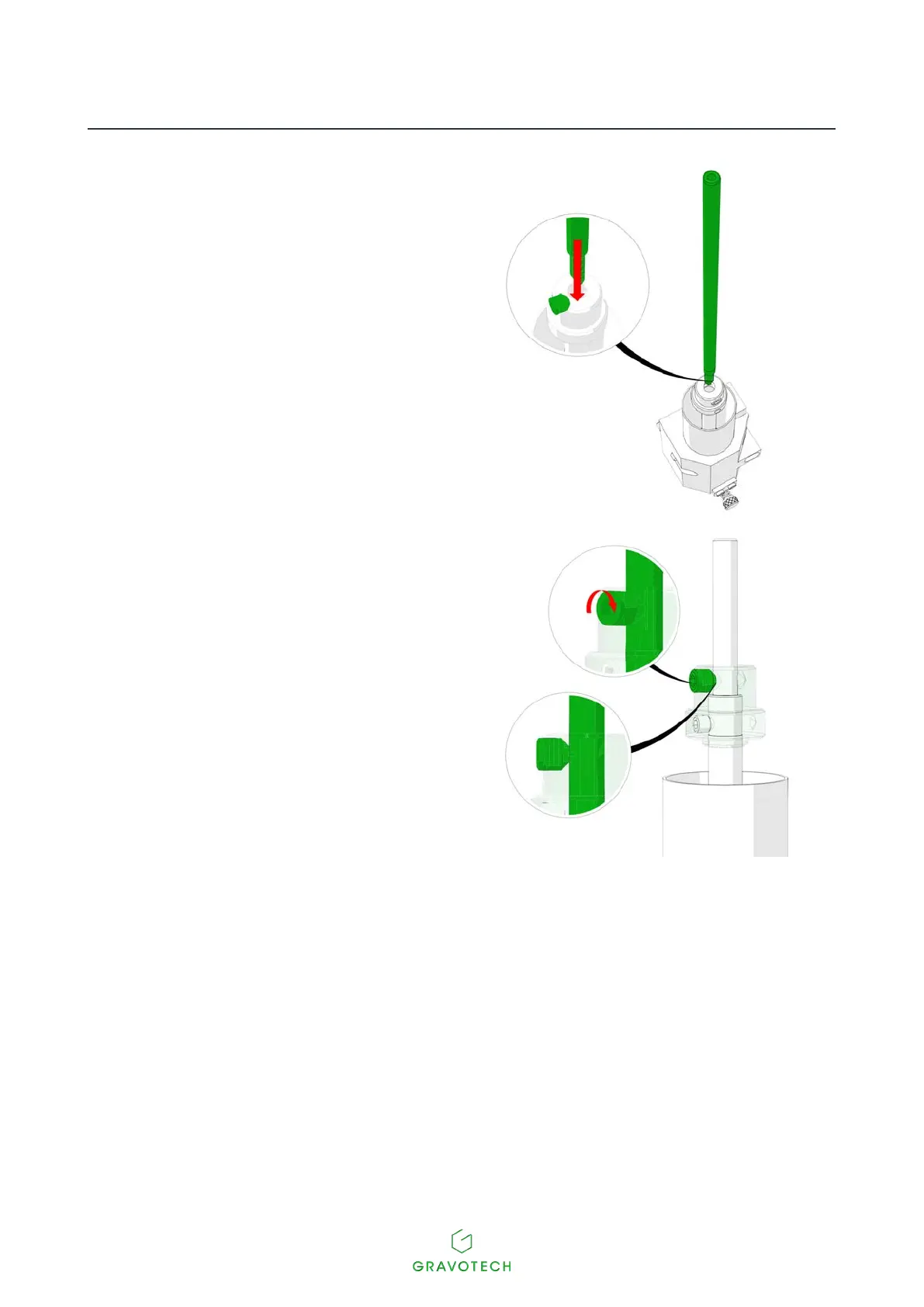
2. Unscrew the upper screw (Cutter button(s)).
3. Insert the cutter into the spindle (See:
Engraving with a regulating nose (Function
not available for the M20 PIX machine))
•
4. Tighten the upper screw of the cutter button
in order to immobilize it, using the following
wrench:
- Driver (1.5 mm (0.059 in))



 To Next Page