36
M_M20 series V3_EN_C
Using the machine
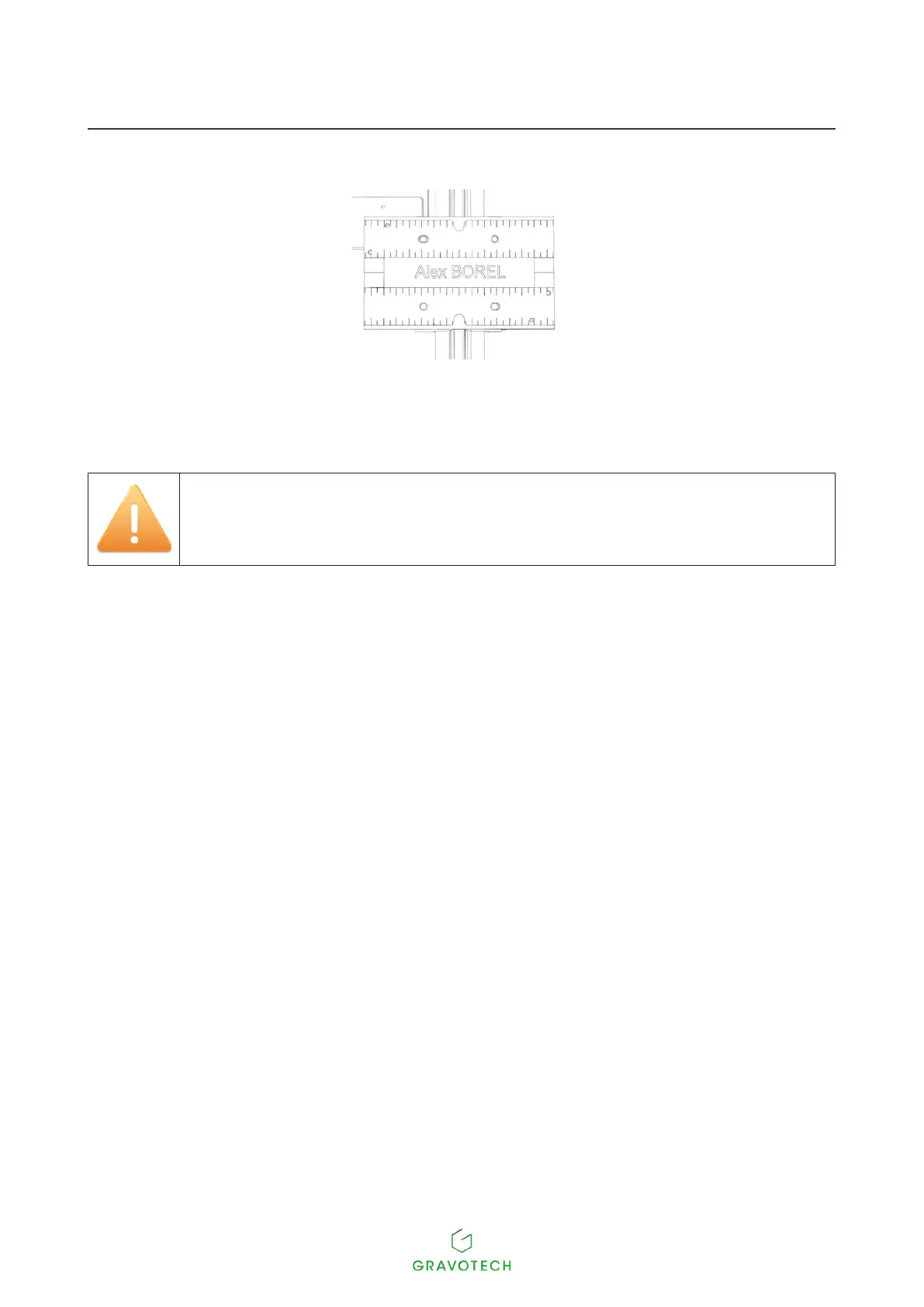
3. Center the object in the vice.
4. Using the tightening knob, clamp the object so as to immobilize it during engraving.
Correct clamping helps to reduce the noise of the machine and to minimize vibration during engraving.
Check that the object is clamped such that it cannot be ejected during engraving.
Do not overtighten. The plate(s) may bend.
Depending on the height of the object, it may be necessary to use the vice extensions to ensure that
the tool reaches the object.
Start-up engraving (Diamond engraving)
Engraving is launched from the control panel on the machine.
1. Check that the object is correctly positioned in the engraving area.
2. Pressthekey:Start(Controlpanel).
Thecuttermovestotherstpointandbeginsengraving.
Automatic ZRef: The spindle moves down until the diamond tip touches the plate. When the position of the
ZRef. has been stored, engraving starts.
Door open: button(s) Start: Holding the button down causes continuous movement at a higher speed.
• In the event of a problem, press the Pause button.
The machine pauses momentarily.
Toresumeengraving,presstheStartkey.
• Tostopengravingcompletely,pressoneofthearrowsonthejoystick.
• To accelerate the movement speed of the spindle during engraving, press the Up arrow.
• To slow down the movement speed of the spindle during engraving, press the Down arrow.



 To Next Page