37
M_M20 series V3_EN_C
Using the machine
3. Advanced settings
Point & Shoot
• Marking area: Dimensions - Positioning
1. SelectthePoint&ShootfunctionintheGravostyle/ABCprogram.
The pointer lights up.
1
2
1.
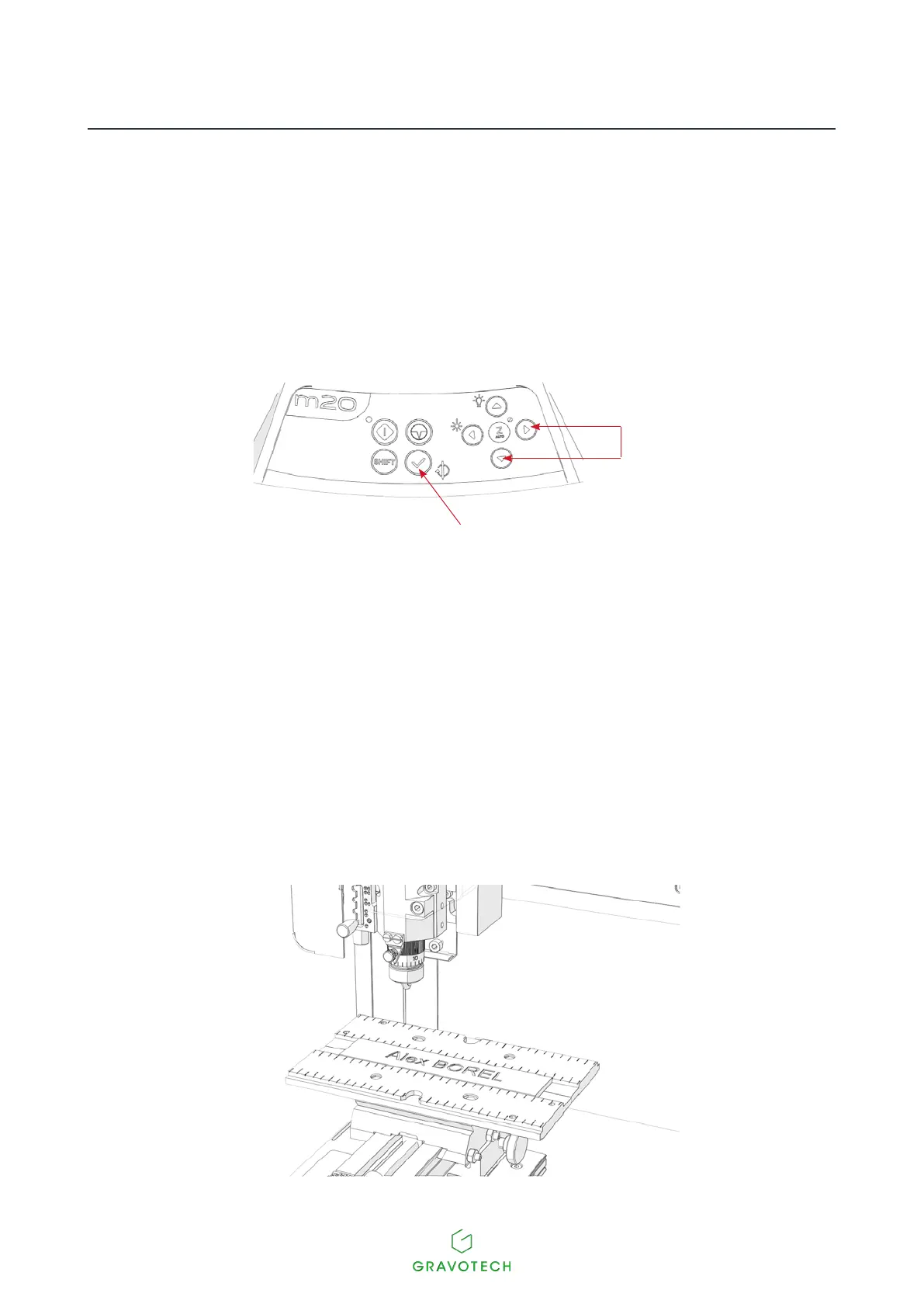
X-Y movement
2.
"Check"key
2. Move the red pointer on the machine to the location indicated, using the arrow keys (joystick) on
themachine:topleftcorner.
3. Pressthe"Check"key.
4. Move the red pointer on the machine to the location indicated, using the arrow keys (joystick) on
themachine:bottomright.
5. Pressthe"Check"key.
Theheadgoesbacktotheorigin.Thepositionissaved.
X
X



 To Next Page