44
M_M20 series V3_EN_C
Using the machine
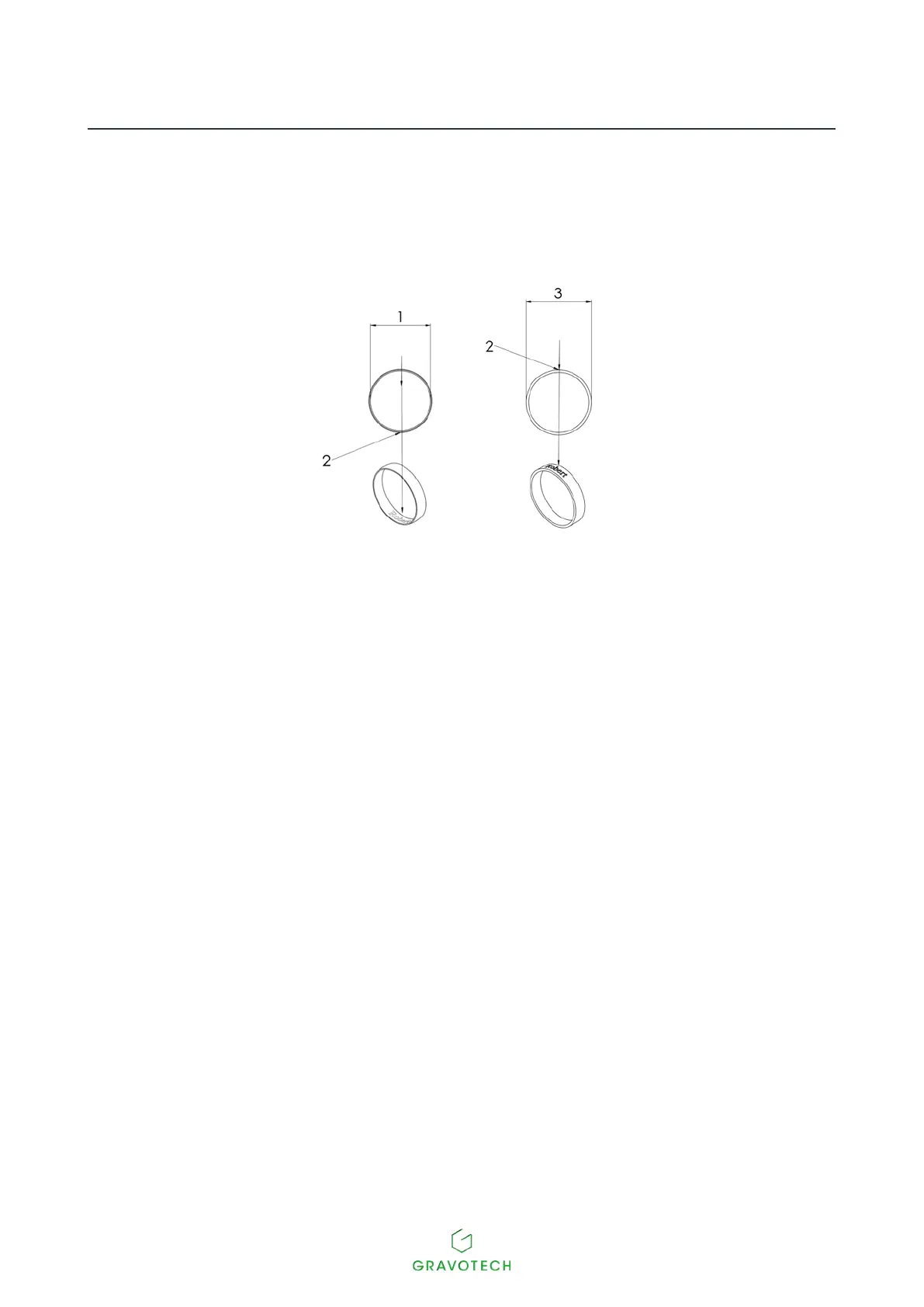
3. Locate the mid-point of the length of the text to be engraved on the ring.
Inside engraving Outside engraving
1.
Internal diameter
2.
Mid-point of the length of the text
3.
External diameter
4. Place the ring in position such that the mid-point of the engraving
areaisalignedwiththepositioningaidarrow:
- down for inside engraving
- up for outside engraving
The positioning aid arrow must be perfectly vertical and pointing downwards.



 To Next Page