72
M_M20 series V3_EN_C
Preventive maintenance
Zeropointaxis Control panel
Y Up - Down arrows
X Left arrow - Right arrow
5. Remove the tool from the spindle once the adjustment is complete.
6. StorethepositionoftheXYzeropointbypressingthe"Check"keyfor3seconds.Themachine
emits an audible signal.
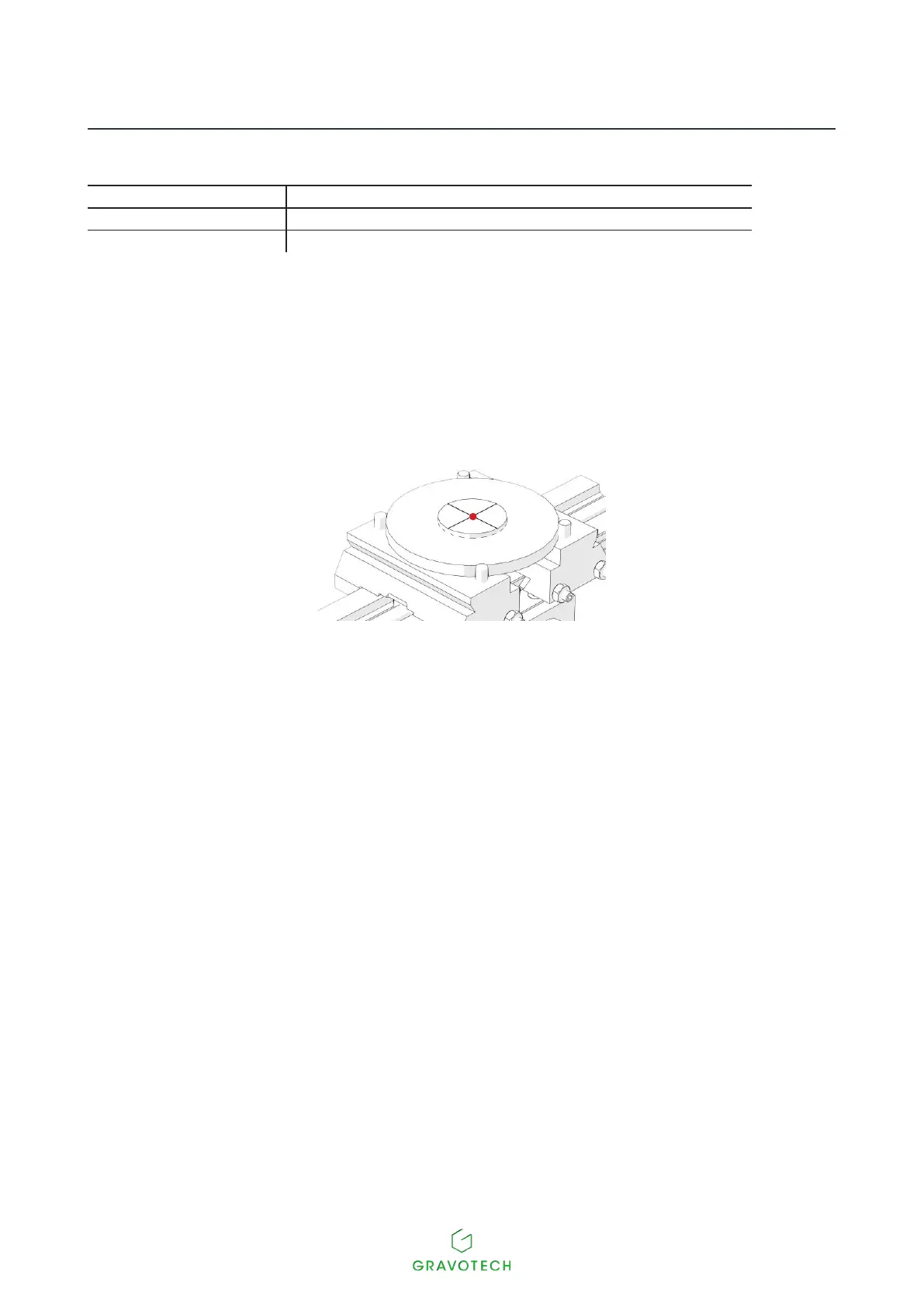
The tool holder moves to the center of the vice in order to set the zero point of the diode. It must match the zero
point hole in the centering washer.
7. SetthediodezeropointintheXYaxisofthemachineusingthefollowingkeys:Up-Down-Left-
Right arrows (Joystick).
8. Store the position of the XY diode zero point by pressing the "Check" key for 3 seconds.The
machine emits an audible signal.



 To Next Page