74
M_M20 series V3_EN_C
Preventive maintenance
Outside engraving
3
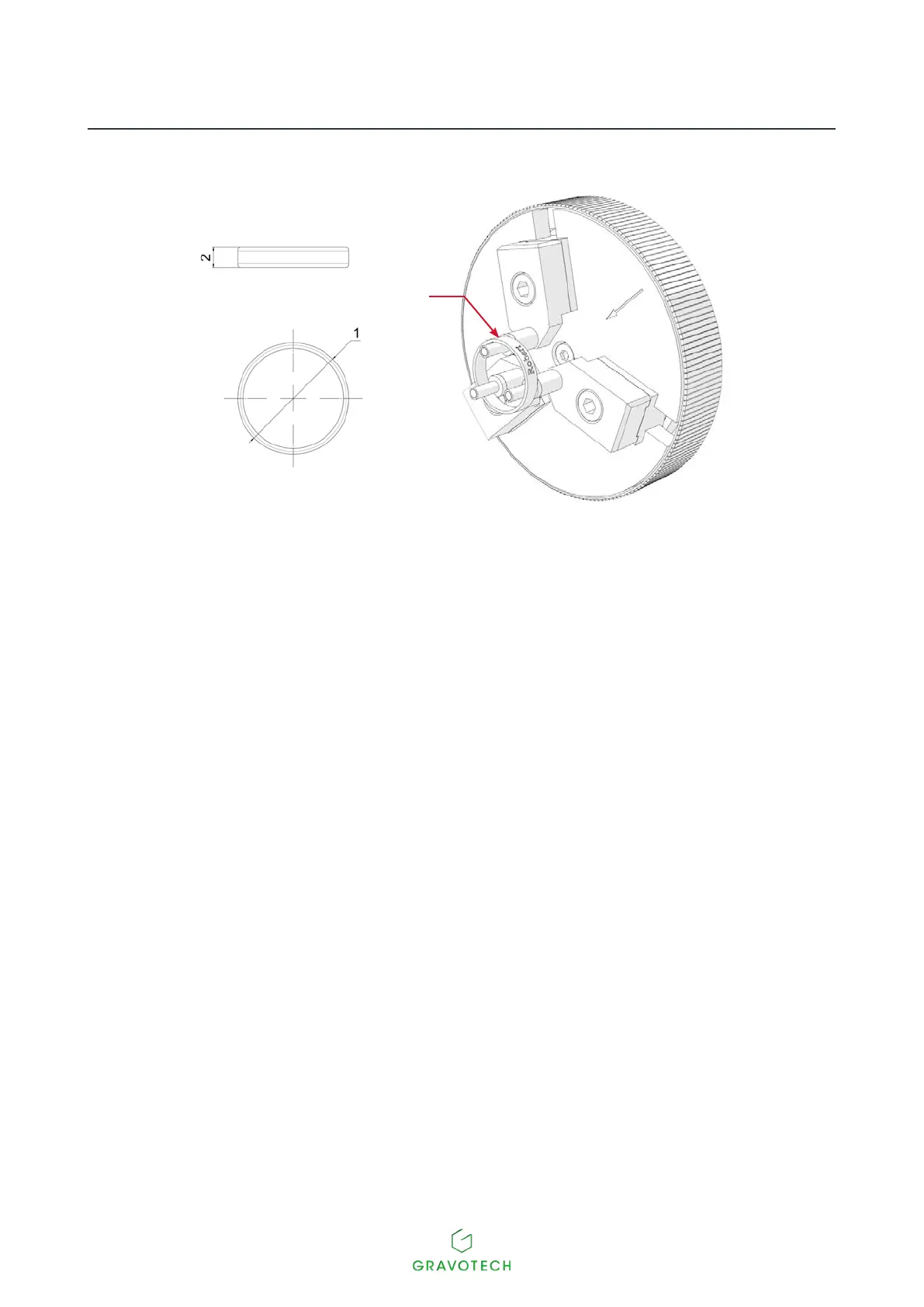
1.
External diameter
2.
Width
3.
Reference ring(s)
2. Switch on the machine.
3. Execute a composition in the engraving software, indicating the parameters of the reference ring.
Select outside or inside engraving. Indicate the diameter and width of the reference ring according to the
desiredmarking.
4. EnsurethattheZRef.autofunctionsandcenteroriginareselectedintheengravingprogram.
5. Transfer the composition to the machine from the program.
6. Presssimultaneouslyonthe2keys:Pause-Leftarrow.
The diamond holder moves to the zero point.
7. SetthezeropointintheYaxisofthemachineusingthefollowingkeys:Up-Downarrows.



 To Next Page