ENGLISH
19
CONNECTION AND PREPARATION
_______________________________________
Selecting the HiFi antenna setting
This setting enables you to adapt the HiFi to the antenna used.
If you are using a cable connection from a public or private provider, select the
»CABLE« setting.
If you are using your own rooftop antenna or the auxiliary antenna supplied,
select »ANTENNA«.
1 Press the »SOURCE« button on the remote control.
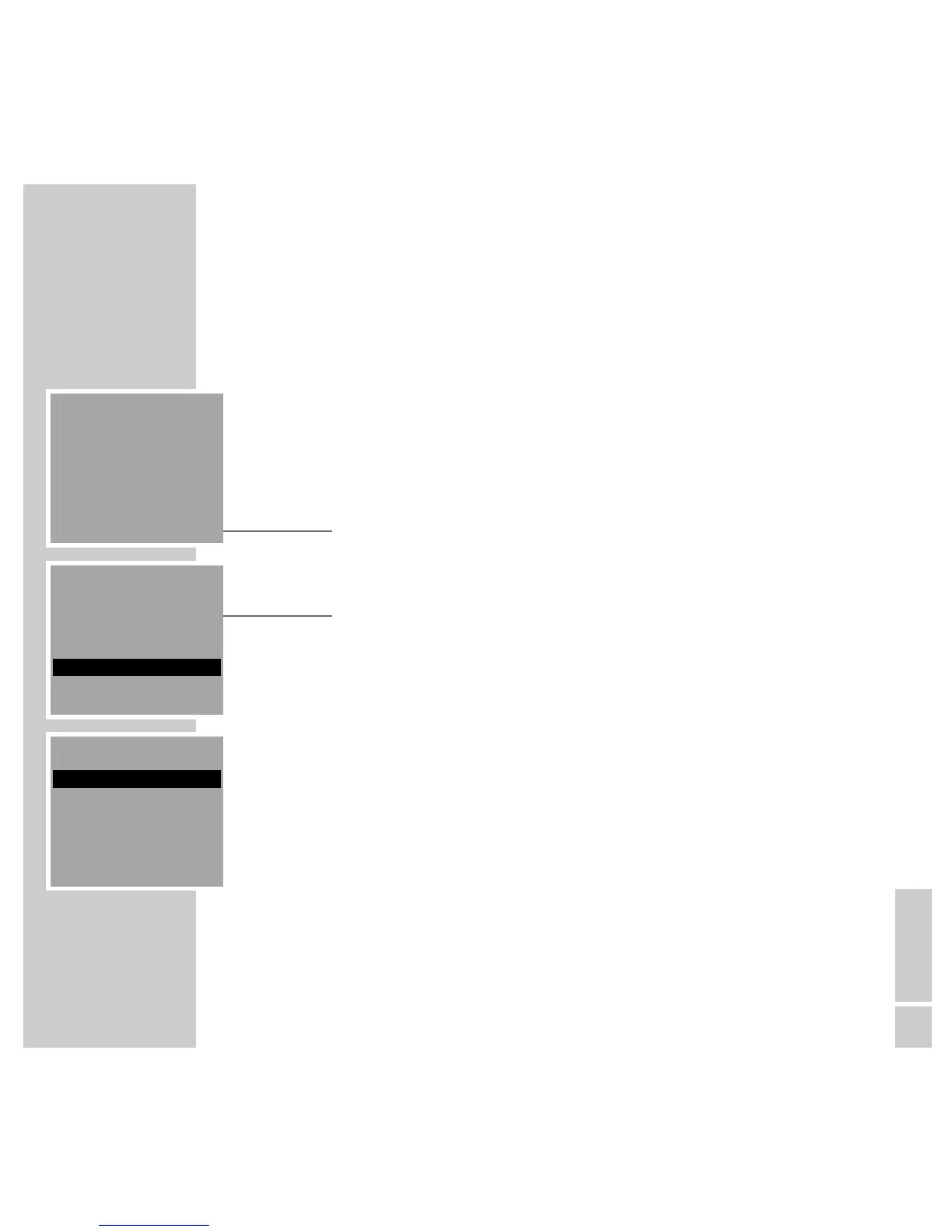
– The »SOURCE« menu appears.
2 From the »SOURCE« menu, select the »TUNER« item by pressing »A« or
»S« and then »OK« to confirm.
– The menu reads »87.50 MHz«.
3 Press the »MENU« button and from the »TUNER MENU« select the
»ANTENNA/CABLE« item by pressing »A« or »S« and then »OK« to
confirm.
– The »ANTENNA/CABLE« menu appears.
4 From the »ANTENNA/CABLE« menu, select the »ANTENNA« or »CABLE«
item by pressing »A« or »S« and then »OK« to confirm.
Note:
The menu line highlighted in grey represents the current setting.
ANTENNA/CABLE
ANTENNA
CABLE
BACK ļĻ
TUNER MENU
PTY SEARCH
MONO/STEREO
ANTENNA/CABLE
BACK ļĻ
TUNER
87.50 MHz
MENU INFO MEMO









 To Next Page