38
CD MODE
____________________________________________________________________________________
Playing back tracks in a selected oder – ceating a
track memory
You can store up to 20 tracks on the current CD in any order you choose and
then play them back in that sequence. The same track may be stored more than
once.
Preparation
1 Switch on the HiFi and the loudspeakers.
Selecting and storing tracks
1
Place a CD in the CD compartment.
2 In the »CD« menu, press the »MENU« button on the remote control.
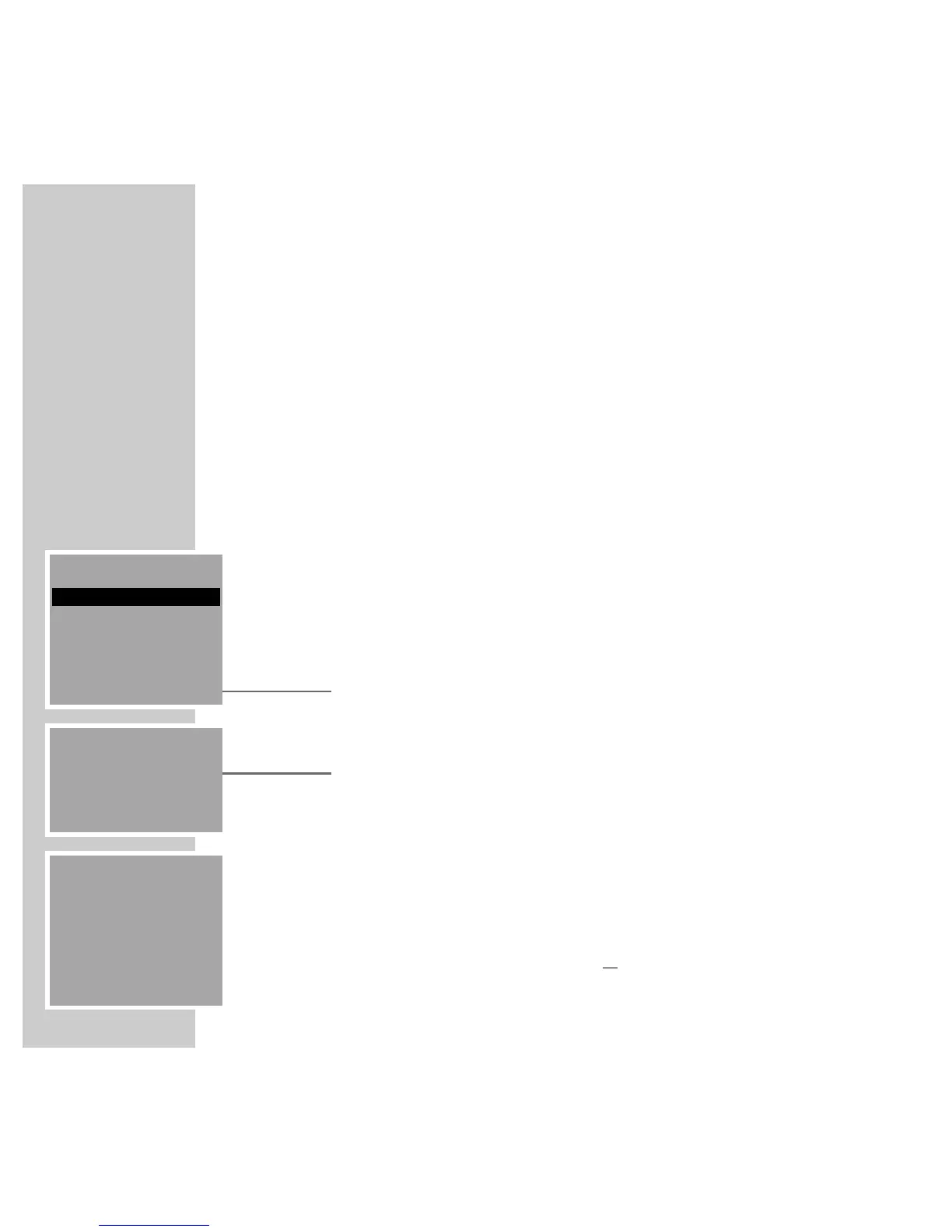
– The »CD MENU« appears.
3 In the »CD MENU« select the »PROGRAM« item by pressing »A« or »S«
and then »OK« to confirm.
– The »CD PROGRAM« menu appears.
4 Select the required track using »
9
« or »
8
« and then select »MEMO«
to store it.
– The display shows the stored track numbers.
Note:
To save more tracks repeat Step 4.
If the track memory is full (max. 20 tracks) the word »FULL« appears in the
display.
5 Press »OK« to store your program or
select »CLR« to delete it.
CD MENU
PROGRAM
SHUFFLE
REPEAT
BACK ļĻ
CD PROGRAM
TRACK: 02
2
CD PROGRAM
TRACK: 08
2 3 6 8
CLR DEL MEMO









 To Next Page