GSI TympStar Pro User Manual
D-0129427 Rev. B Page 108 of 162
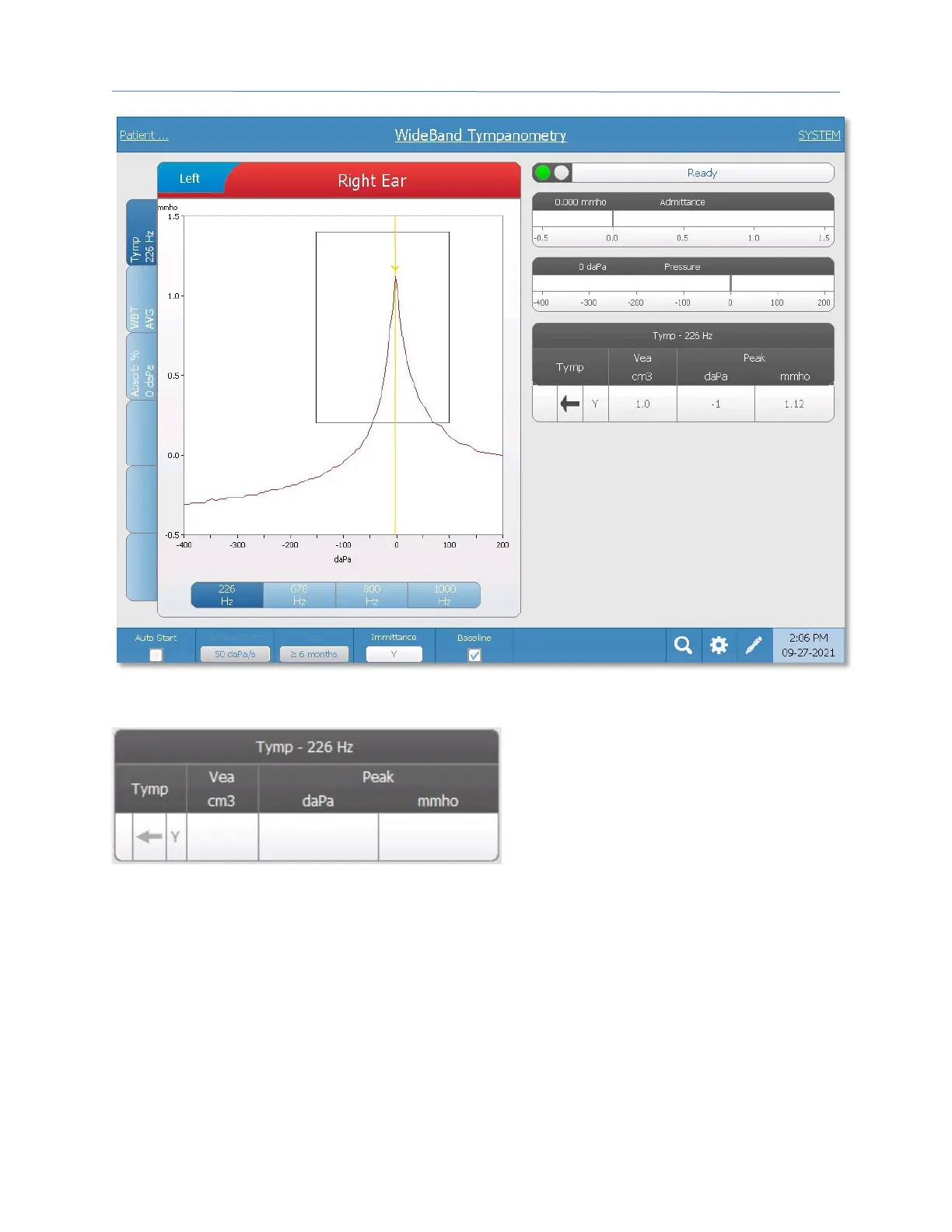
The tympanogram displays on the graph
and the numerical results display in a
table on the right side of the display.
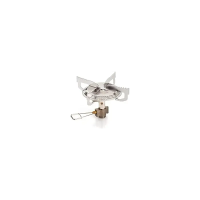
The Tymp column displays the direction
of the pressure sweep and the
immittance component that is being
shown on the tympanogram. The Vea column displays the acoustic equivalent volume (in
cm
3
). The Peak column displays the pressure (daPa) and admittance (mmho) value of the
indicated peak of the tympanogram.
The tympanogram displays the immittance component as indicated in the menu bar.
Below the tympanogram are buttons to select the frequency. When a different frequency
or immittance component is selected, the tympanogram table is updated.



 To Next Page