GSI TympStar Pro User Manual
D-0129427 Rev. B Page 89 of 162
Patulous ETF Test Menu
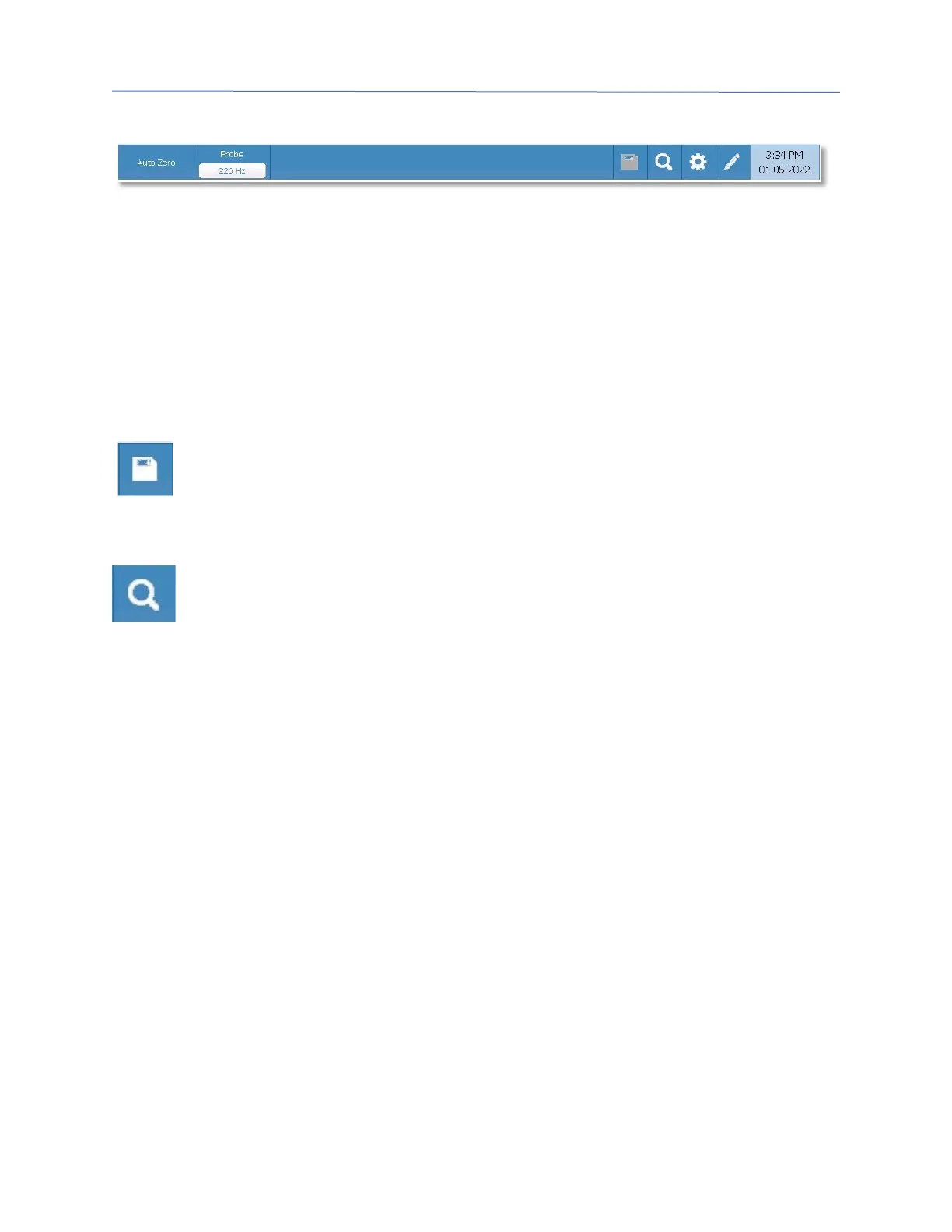
Auto Zero
The Auto Zero menu option automatically sets the admittance to zero when the key is
pressed. The system automatically sets the admittance to zero when the test is started.
Probe
The Probe button controls the probe tone frequency used for recording. The button
indicates the current setting. When the button is pressed, a sub menu is presented, and
the user may choose between 226 Hz, 678 Hz, and 1000 Hz.
Store
The Store menu option saves the selected test result. The test result is copied
from the collection area to the stored display area. Multiple test results per test
condition may be stored. A maximum of 8 stored test results may be saved.
Zoom
The Zoom (magnifying glass icon) menu option displays the zoom dialog. The
zoom dialog provides a magnified view of the Patulous ETF test results. When
multiple test conditions have been recorded, the active tracing may be selected
from the list of test conditions on the left side of the display screen. The + and - magnifier
buttons increase and decrease the magnification. The up, down, left, and right arrow
buttons are used to scroll the waveform. The time and admittance values for the selected
point appears on the right side of the dialog. The immittance of Y, B, and G may be
selected.



 To Next Page