GSI TympStar Pro User Manual
D-0129427 Rev. B Page 75 of 162
Settings
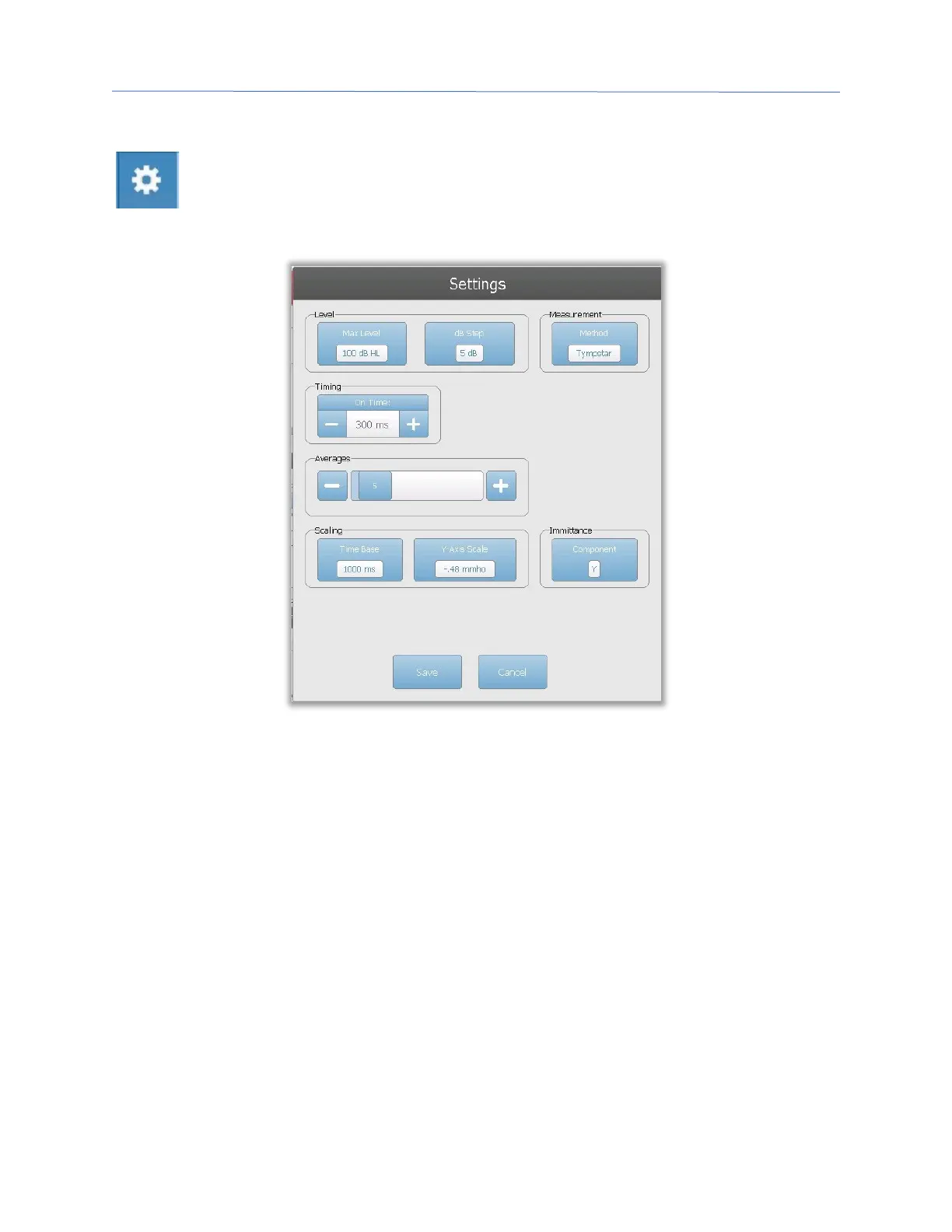
The Settings menu option may be used to define the parameters used to collect
the reflex latency. A Settings dialog is presented with the reflex latency
parameters that are available. The reflex latency default settings are defined in
the PC Config App.
Level
Max Level
The Max Level Option button is used to select the maximum level (dB) for the eliciting
stimulus when the front panel button is pressed. When the button is selected, a dropdown
menu of options is presented.
dB Step
The dB Step Level Option button is used to select the level (dB) step when the front panel
button is pressed. When the button is selected, it toggles between the options (1, 2, 5 dB).
Measurement
Method
The TympStar Pro supports different methods for the acoustic reflex latency
measurements. Interest has focused on latency characteristics, rise and fall times of the
reflex response, amplitude, and recovery characteristics. The definitions of these
parameters are variable among investigators. Once an ARLT test is completed, the



 To Next Page