GSI TympStar Pro User Manual
D-0129427 Rev. B Page 61 of 162
NR Store
The NR Store button (NR disk icon) on the Reflex menu saves the selected reflex
graph as a ‘No Response.’ The graph is copied from the collection area to the
stored display area. Only a single reflex per stimulus may be stored. If you try to
store a new reflex when a similar reflex has already been stored, you will be prompted with
a confirmation dialog before the data is replaced.
Store
The Store button (disk icon) on the Reflex menu saves the selected reflex graph or
growth curve. The graph is copied from the collection area to the stored display
area. Only a single reflex per stimulus may be stored. If you attempt to store a
new reflex when a similar reflex has already been stored, you will be prompted with a
confirmation dialog before the data is replaced.
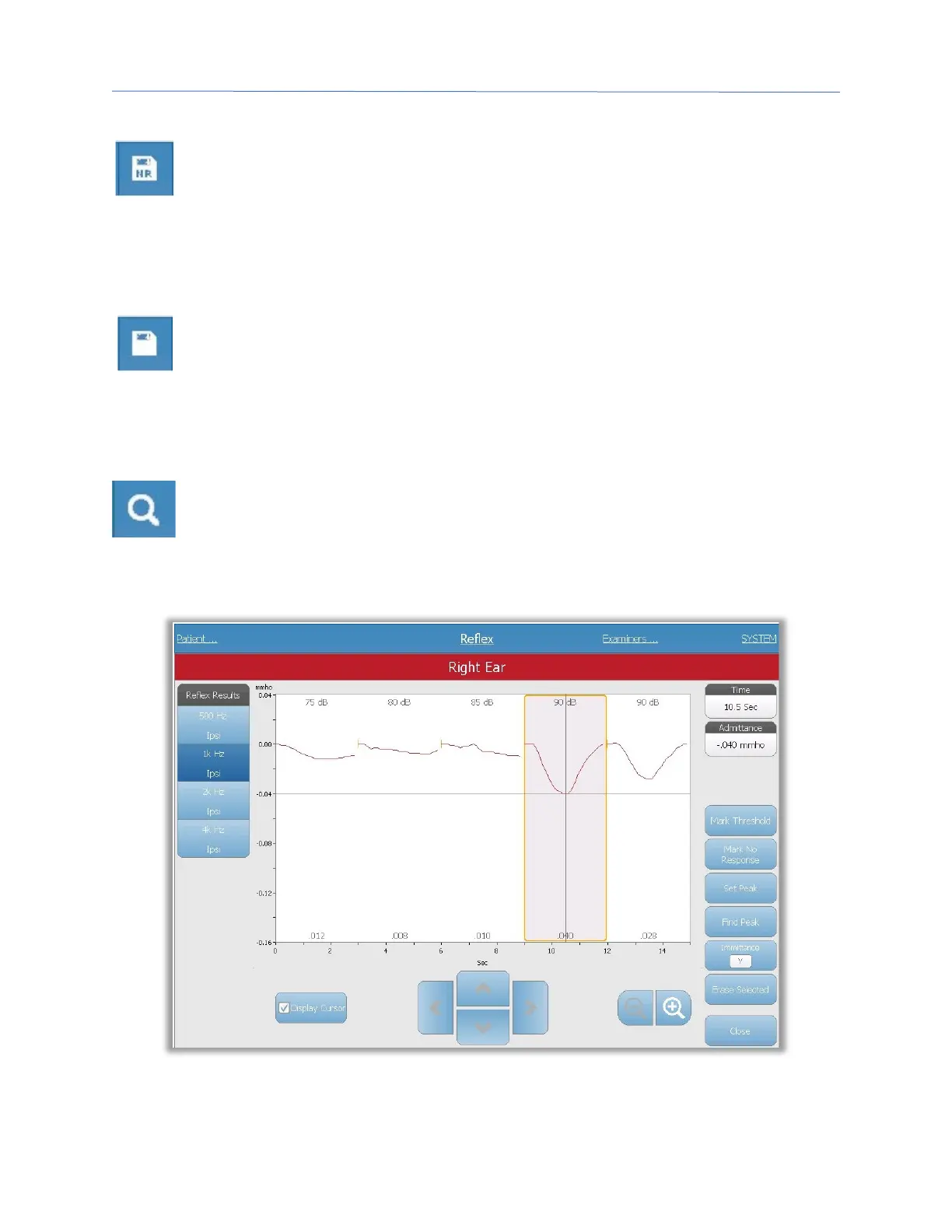
Zoom
The Zoom menu option displays the zoom dialog. The zoom dialog provides a
magnified view of the reflex data and displays the time and admittance values for
the selected point. All reflex data may be reviewed by selecting the desired test
frequency. The dialog has selections to scroll the waveform, change the magnification and
display a cursor.



 To Next Page