GSI TympStar Pro User Manual
D-0129427 Rev. B Page 96 of 162
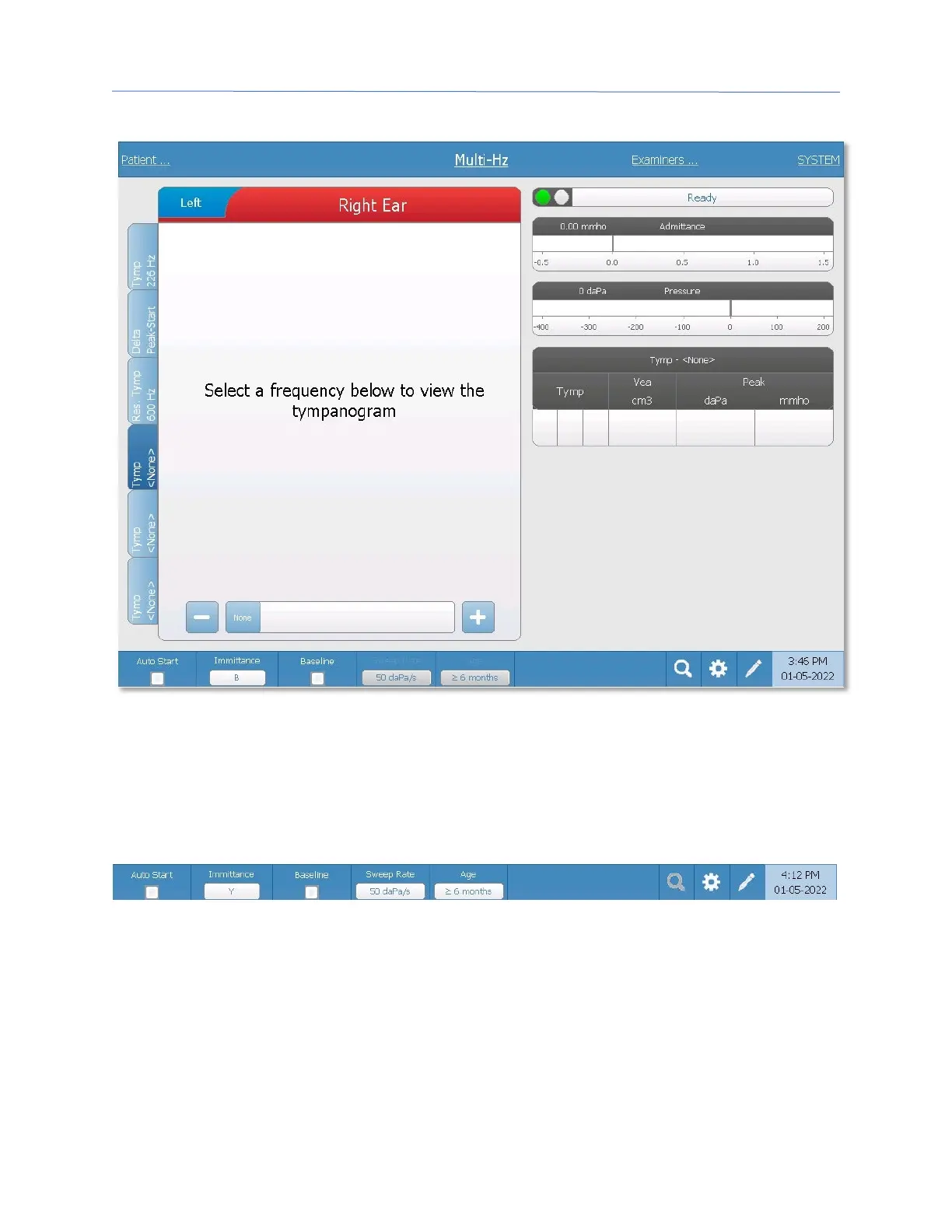
Tabs 4-6
It is possible to display additional tympanograms at any probe tone between 250 and 2000
Hz in 50 Hz increments. Select Tymp Tab 4 and press the +/ – buttons or drag the slider bar
until the desired tympanogram appears. Repeat for Tab 5 and 6 if desired. The Tymp
Tables display the probe tone frequency in the header and the additional tymp data as
described above.
Multi-Hz Test Menu
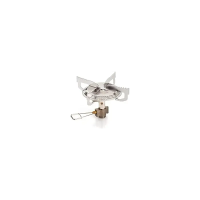
Auto Start
The Auto Start check box determines if the test starts automatically upon obtaining a seal.
When the box is checked, the data collection begins as soon as a seal is obtained. When
the box is not checked, the start button on the device or probe shoulder box is used to
start a test.



 To Next Page