GSI TympStar Pro User Manual
D-0129427 Rev. B Page 62 of 162
The Mark Threshold button selects the current curve, indicated by the cross hairs, as the
threshold for the reflex stimulus. The Mark No Response button selects the curve and
marks the test as a No Response. The Set Peak button sets the current point as indicated
by the cross hairs as the peak of the curve. The Find Peak button finds the peak on the
selected curve and moves the cursor to that location. The Immittance button in the zoom
dialog selects the immittance component to view. The Erase Selected deletes the selected
waveform(s). The Selected waveform is indicated with a surrounding rectangle. Touching
the waveform selects curve and touching a second time unselects the curve. The Close
button closes the dialog and returns to the Reflex screen.
Settings
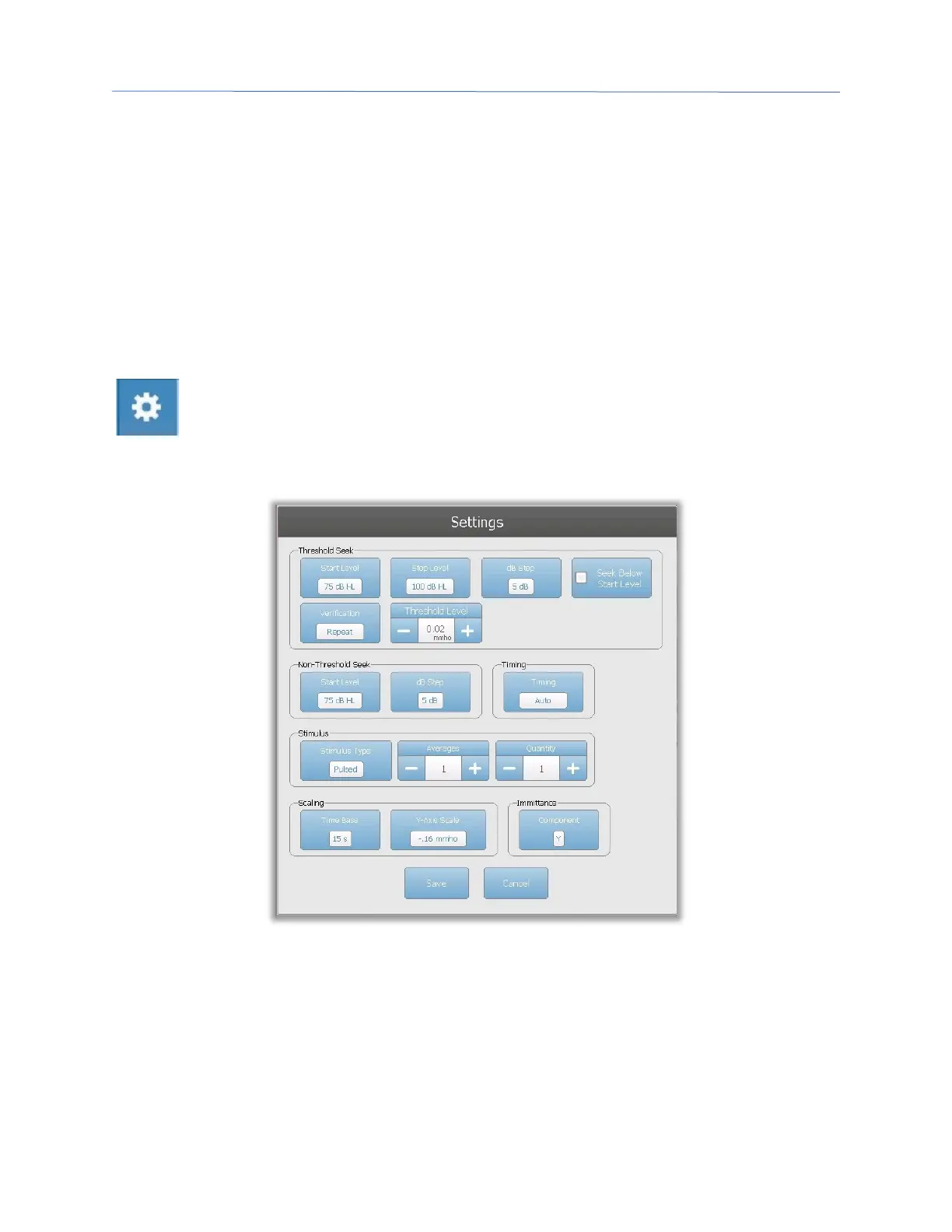
The Settings button of the Reflex menu may be used to define the parameters
used to collect the reflex. A Settings dialog is presented with the reflex
parameters that are available to be selected. The default settings are defined in
the PC configuration application software (TympStar Pro Config App).
Threshold Seek
The Threshold seek section is used to set the parameters when using the threshold seek
function.



 To Next Page