GSI TympStar Pro User Manual
D-0129427 Rev. B Page 47 of 162
selection of the reflex activation stimulus frequency (Hz) options of 500, 1000, 2000, and
4000 Hz and BBN (broad band noise).
Reflex Result
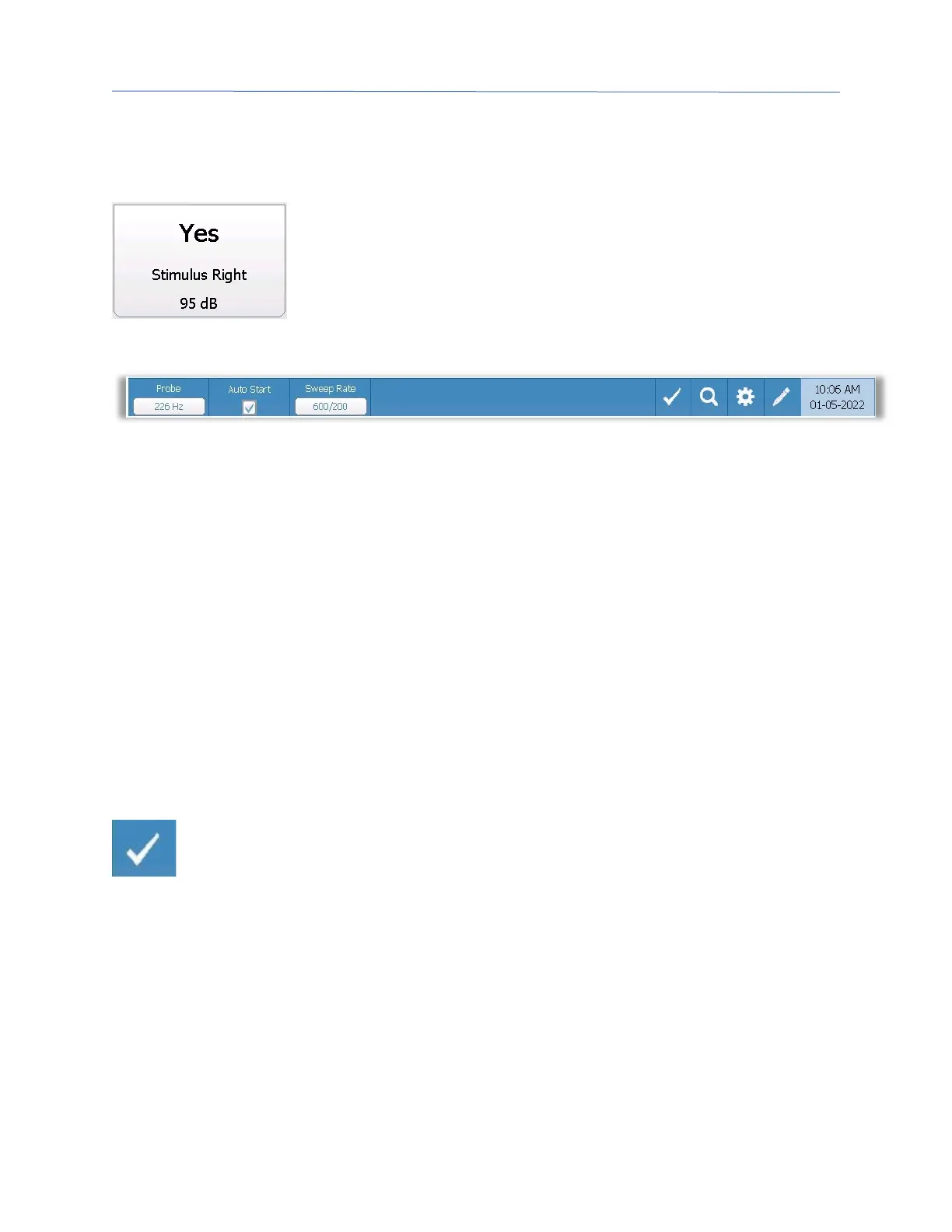
Each collected reflex is displayed under the parameter buttons. For
each reflex, the level of the stimulus and stimulus ear are displayed
if a reflex is obtained. A ‘NR’ (No Response) is displayed if no reflex
was found at the tested level (dB HL). A “DNT” (Did Not Test) is
displayed if the test was not able to be performed.
Screener Test Menu
Probe
The Probe button controls the probe tone frequency used for recording the tympanogram.
The button indicates the current setting. When the button is pressed the options toggle
between 226 Hz or 1000 Hz.
Auto Start
The Auto Start check box determines if the test starts automatically upon obtaining a seal.
When the box is checked, the tympanogram data collection begins as soon as a seal is
obtained. When the box is not checked, the start button on the device or probe shoulder
box is used to start a test.
Sweep Rate
The Sweep Rate button is used to select the sweep rate (daPa/sec) for the pressure change
when collecting a tympanogram. The button label indicates the current setting. When the
button is selected the options toggle between 600/200 or 200.
Mark Test
The Mark Test menu option is used to indicate the screening tab that will be used
when the data is transferred to GSI Suite or printed. The marked tab is indicated
by the check mark in the tab area. The last test is automatically marked.



 To Next Page